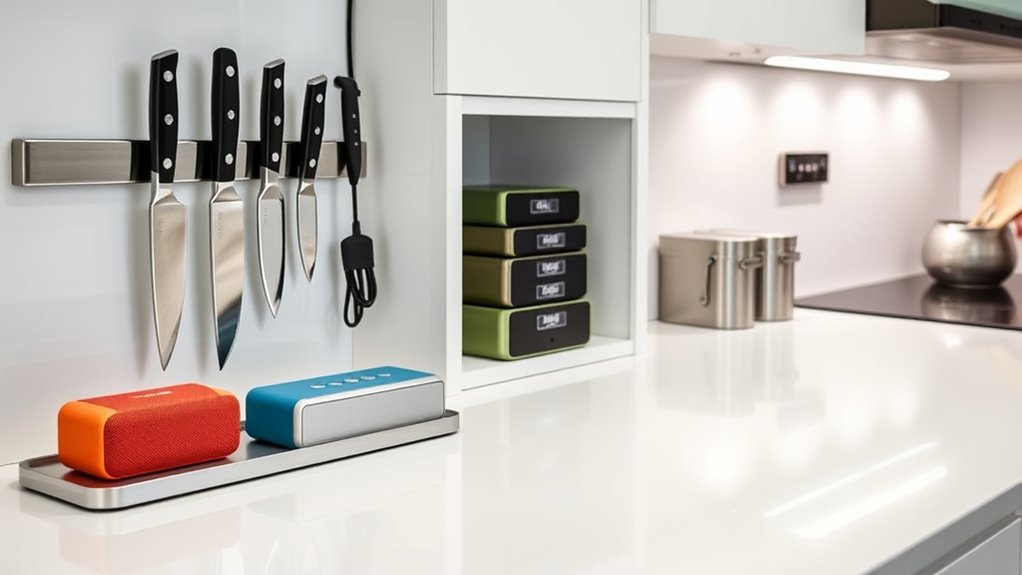

To organize your smart kitchen, start by using compact, clear containers for gadgets and cables to keep everything visible and tidy. Create dedicated charging stations with wire organizers and wireless pads to reduce clutter. Incorporate wall-mounted shelves and hidden compartments for a sleek look. Arrange devices for easy access and keep cords managed with channels and clips. With these tips, you’ll maximize space and streamline your setup—continue for more clever storage ideas.
Key Takeaways
- Use modular, clear containers for tech gadgets, chargers, and cables to maximize space and ensure quick identification.
- Create dedicated charging stations with cable organizers, wireless pads, and labeled drawers for easy access.
- Install concealed storage behind panels, sliding doors, or hidden compartments to maintain a sleek, clutter-free look.
- Position frequently used devices at eye level or on open shelves for quick access and better organization.
- Label all containers and accessories with durable tags and color coding to streamline retrieval and maintain order.
Choosing the Right Storage Containers for Small Devices

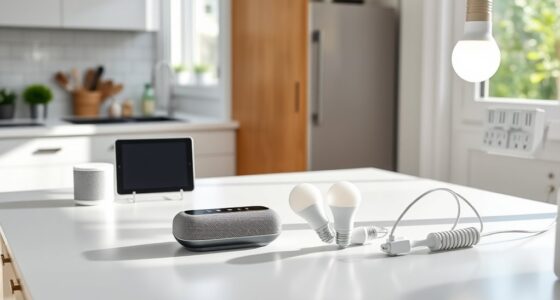
When organizing a smart kitchen, selecting the right storage containers for small devices is essential to keep your space tidy and accessible. Use compact containers to fit devices like smart assistants, chargers, and cables without cluttering your countertops. Look for stackable solutions that maximize vertical space and allow you to customize storage according to your needs. Clear containers help you quickly identify what’s inside, saving time when searching for a specific gadget. Consider modular options that can be easily added or rearranged as your collection grows. Avoid bulky or open containers that make it harder to keep everything organized. By choosing efficient, space-saving containers, you’ll ensure your tech gadgets stay protected, neatly stored, and effortlessly accessible whenever you need them. Properly understanding your networking hardware can also help you select storage options tailored to your device types and connectivity needs. Additionally, selecting appropriate cable management solutions can further reduce clutter and protect your devices from damage. Implementing organized routines for device maintenance can help maintain your system’s efficiency and longevity. Incorporating safe installation practices into your setup can help prevent accidental damage and ensure your devices operate reliably. A well-organized setup can also enhance your overall smart home experience, making technology seamlessly integrate into your daily routines.
Creating Dedicated Charging Stations for Your Gadgets

Having a dedicated charging station for your gadgets keeps your smart kitchen organized and guarantees all devices are ready to use. Position a power strip in a convenient, accessible spot to avoid clutter and tangled cords. Consider placing it near your countertop or inside a drawer for a neat look. Incorporate wireless charging pads for phones and small devices, reducing cable clutter. Use cord organizers or clips to keep wires tidy and prevent tangling. Label charging spots if needed, so you always know where each device belongs. Regularly check your setup to ensure all cords and chargers are functioning properly. A well-planned charging station minimizes chaos, helps maintain a clean space, and ensures your gadgets are always charged and ready when you need them. Additionally, choosing the right power management solutions can improve efficiency and prevent overloads in your setup. For optimal safety and performance, it’s important to consider electrical safety guidelines when designing your charging area. Implementing energy-efficient devices can further reduce power consumption and support sustainability goals. Incorporating smart technology like timers or surge protectors can also enhance the safety and functionality of your charging station. Integrating home automation features can enable you to monitor and control your charging setup remotely for added convenience.
Utilizing Vertical Space With Wall-Mounted Shelves
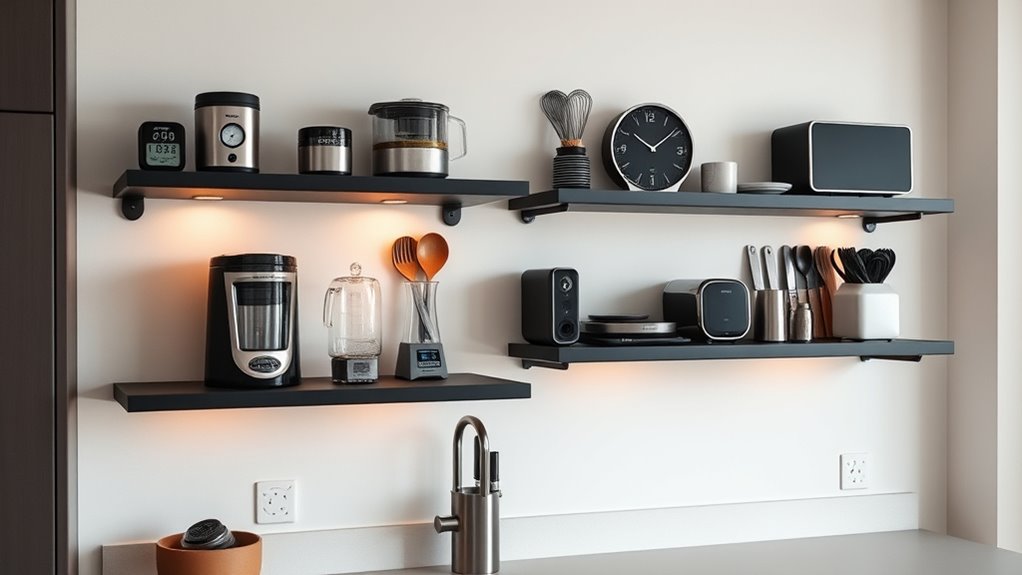
Maximizing your kitchen’s vertical space with wall-mounted shelves offers an efficient way to keep countertops clear and supplies within easy reach. Wall-mounted shelves provide vertical storage that saves space and organizes your gadgets, tools, or spices. To make the most of this, consider these tips:
Maximize kitchen space with wall-mounted shelves for easy access and clutter-free countertops.
- Mount shelves at varying heights to accommodate different items.
- Use sturdy shelves designed to support tech gadgets and kitchen essentials.
- Keep frequently used items at eye level for quick access.
- Incorporate smart-home integrations such as smart sensors or automated lighting to enhance functionality and convenience on your shelves. Additionally, selecting shelves made from durable materials ensures they can sustain the weight of heavier devices and prevent accidents. Incorporating ergonomic placement can also improve accessibility and reduce strain when reaching for items. Utilizing space-saving designs can further optimize storage efficiency. This setup not only declutters your countertops but also adds a modern touch to your kitchen. Wall mounted shelves are perfect for storing small smart gadgets, cookbooks, or decorative containers. Embracing efficient storage solutions like vertical shelving maximizes space and keeps everything organized and accessible.
Incorporating Drawer Organizers for Cables and Accessories

Adding drawer organizers for your cables and accessories can make a big difference in your smart kitchen. Look for customizable dividers that fit your needs, and label each section for quick identification. With an easy access design, you’ll save time and keep everything neat and ready to use. Incorporate Free Floating elements to allow for flexible storage options that adapt to your evolving gadget collection. Using modular storage solutions can further enhance organization by enabling you to rearrange compartments as your collection grows.
Customizable Divider Options
Customizable divider options are essential for creating an organized and efficient smart kitchen, especially when it comes to managing cables and accessories. Using custom divider materials allows you to tailor compartments to your specific gadgets, preventing clutter. Adjustable shelf inserts offer flexibility, letting you customize the height and size of sections for different items. Consider these key points:
- Choose durable, easy-to-clean custom divider materials that withstand daily use.
- Incorporate adjustable shelf inserts to adapt to new gadgets or accessories over time.
- Use dividers to separate cables, chargers, and small devices, making everything easy to find.
- Incorporating Vetted – Deals Buy essential oils in your cleaning routine can naturally enhance your space with calming and refreshing scents, promoting a peaceful environment even in a busy kitchen.
- Selecting customizable divider options that can evolve with your tech collection ensures long-term organization and reduces the need for frequent replacements.
Labeling for Clarity
Labeling is a crucial step in maintaining an organized smart kitchen, especially when it comes to drawer organizers for cables and accessories. Clear labeling ensures you quickly identify what’s inside each compartment, saving time and reducing frustration. To improve labeling clarity, consider using labels that are easy to read and durable. Color coded tags are especially effective—they create a visual cue that helps you distinguish between chargers, USBs, adapters, and other gadgets at a glance. You can assign specific colors to different categories or devices, making organization intuitive. Consistent labeling not only streamlines access but also keeps your smart kitchen tidy and efficient. Incorporate simple, legible labels and color coding to make your storage system more intuitive and user-friendly.
Easy Access Design
Organizing your cables and accessories for easy access starts with thoughtfully designed drawer compartments. Use drawer organizers to separate chargers, cables, and small gadgets, ensuring everything is visible and within reach. This setup supports smart appliance placement, preventing clutter and making tech integration seamless. To optimize ergonomic countertop design, keep frequently used items close by, reducing the need to search or reach across the kitchen. Consider these tips:
- Use adjustable dividers to customize compartments for different tech accessories.
- Label sections for quick identification of cables and devices.
- Incorporate shallow drawers near your workspace for easy access during cooking or cleaning.
Implementing these strategies helps you keep your smart gadgets organized, accessible, and ready for use whenever needed.
Setting Up a Central Hub for Smart Home Controls
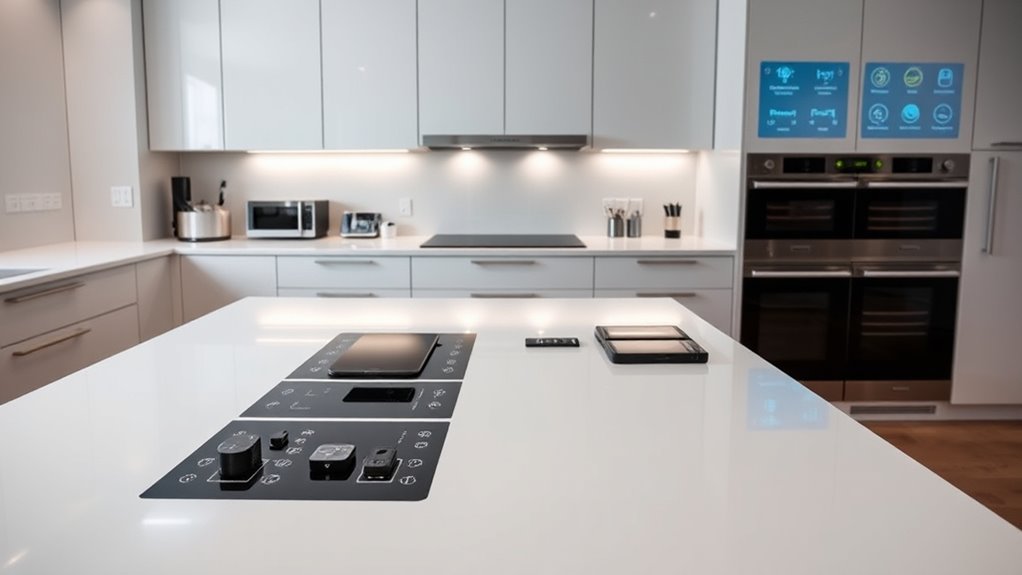
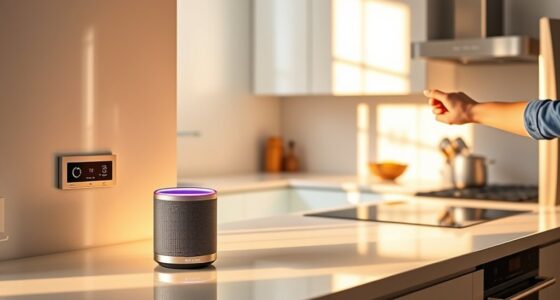
A central control panel makes managing your smart kitchen straightforward and organized. You should consider wireless connectivity options to keep everything seamlessly linked. You might also want to incorporate accessible design features to ensure ease of use for everyone in your household. Placing the hub within easy reach guarantees you can control your devices effortlessly whenever needed. Ensuring your setup is device-efficient helps minimize potential disruptions and enhances overall convenience. Additionally, selecting a secure network protects your smart devices from unauthorized access and maintains your privacy. Using privacy policies and understanding how data is managed can further safeguard your personal information and improve your overall smart home experience.
Centralized Control Panel
Setting up a centralized control panel is crucial for managing your smart kitchen efficiently. It acts as the hub for your smart control and seamless device integration. To optimize your setup, consider these key points:
- Choose a user-friendly interface that consolidates controls for all gadgets.
- Guarantee compatibility with your existing smart devices for smooth integration.
- Position the panel within easy reach, such as near the kitchen entrance or countertop.
A well-designed control panel simplifies operation, letting you adjust lighting, appliances, and security with ease. It also helps prevent clutter by eliminating the need for multiple remotes or apps. By focusing on device integration and intuitive smart control, your kitchen becomes more efficient and enjoyable to use. This centralized approach is essential for a truly smart kitchen experience.
Wireless Connectivity Options
Choosing the right wireless connectivity options is essential for establishing a reliable central hub for your smart kitchen. Bluetooth mesh allows multiple devices to connect seamlessly over short distances, creating a robust network that supports your gadgets without cluttering your Wi-Fi bandwidth. Wi-Fi routers are crucial for high-speed internet access and managing larger data loads, ensuring your smart appliances and control panels stay responsive. To optimize performance, consider routers that support dual-band or mesh configurations, reducing dead zones and interference. Bluetooth mesh is ideal for low-power devices and sensors, while Wi-Fi handles more data-intensive tasks. Combining these options provides a flexible, reliable setup, enabling smooth communication among your smart gadgets and ensuring your kitchen remains truly connected.
Easy Access Placement
Where should you place your central hub to guarantee effortless access and control over your smart kitchen? The ideal spot is a countertop near your main appliances. This ensures quick, easy interaction without disrupting your workflow. When setting up your central hub, consider these key points:
- Countertop placement: Keep it at eye level for easy visibility and reach.
- Appliance proximity: Position it near your frequently used appliances like the fridge, oven, or coffee maker for seamless control.
- Clear access: Avoid clutter around the hub so you can quickly grab or adjust controls without hassle.
This setup minimizes movement, enhances efficiency, and keeps your smart home controls within arm’s reach, making your kitchen smarter and more convenient.
Using Clear Bins and Labels for Easy Access
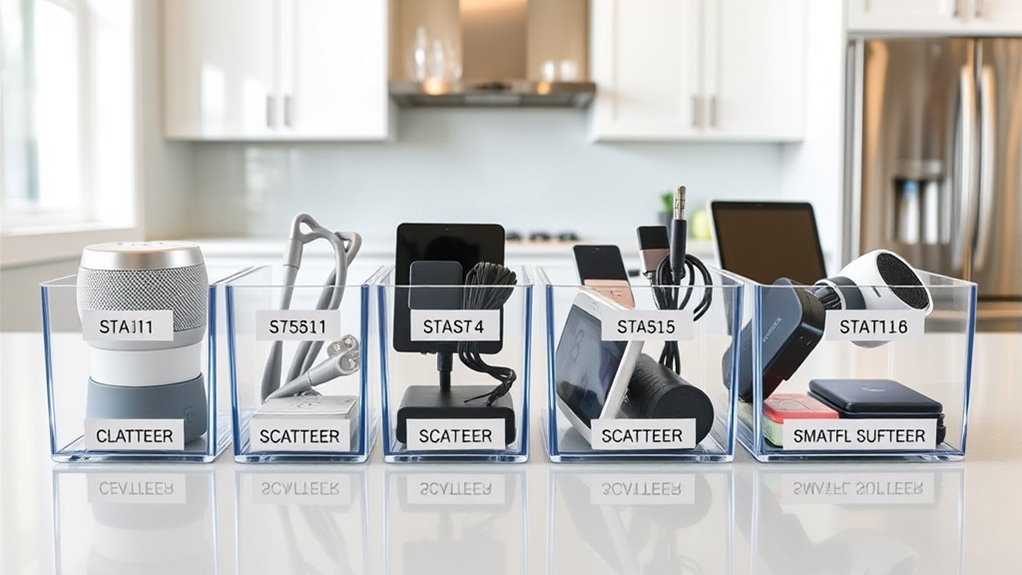
Using clear bins and labels can transform your kitchen into an organized space where everything is easy to find. With see-through containers, you see exactly what’s inside, saving time and reducing frustration. Customize your label designs to match your style, making your storage both functional and attractive. Incorporate color coded storage to quickly identify categories like tech gadgets, spices, or utensils. Consider this setup:
| Bin Category | Label Details |
|---|---|
| Tech Gadgets | Custom label designs with icons |
| Spices | Color coded storage for quick pick |
| Utensils | Clear bins with easy-to-read labels |
This method creates a visually appealing, efficient system that simplifies locating items and keeps your smart kitchen clutter-free.
Designing a Cord Management System to Reduce Clutter

A well-designed cord management system keeps your countertop tidy and safe. Using concealed cord channels hides wires from view, making your space look neat. Adjustable cable holders also help you customize and secure cords for a clutter-free kitchen.
Concealed Cord Channels
To keep your kitchen neat and clutter-free, concealed cord channels offer an effective solution for managing electrical cords discreetly. They improve cord concealment and streamline cable routing, making your workspace look tidy. Here are three key benefits:
- Enhanced aesthetics: Hidden cords keep your countertops clean and free of visual clutter.
- Safety: Concealed cable routing minimizes tripping hazards and accidental unplugging.
- Easy installation: Most channels can be easily integrated into cabinets or walls without complex tools.
Choose channels with a low profile that blend seamlessly with your kitchen decor. Ensure they run along cabinet edges or under appliances for ideal cord concealment. Properly installed, they keep your tech gadgets accessible yet unobtrusive, maintaining a sleek, organized kitchen.
Adjustable Cable Holders
Adjustable cable holders are essential for creating a flexible and organized cord management system in your kitchen. They allow you to customize your cable management, ensuring cords stay neat and accessible. With adjustable storage, you can easily adapt to different gadget sizes and configurations. Imagine a grid where each slot holds a specific cable, preventing tangling and clutter. Here’s a visual to help you picture it:
| Gadget Type | Cable Length | Holder Position |
|---|---|---|
| Smartphone | Short | Top row |
| Blender | Long | Middle row |
| Smart Thermostat | Medium | Bottom row |
This system keeps your cords tidy, simplifies access, and minimizes mess, making your smart kitchen truly efficient.
Incorporating Hidden Storage Solutions for Minimalist Look

Incorporating hidden storage solutions can dramatically enhance the minimalist look of your kitchen by keeping clutter out of sight. Hidden compartments seamlessly blend into cabinets or countertops, giving your space a clean, streamlined appearance. To maximize this effect, consider these ideas:
- Use minimalist shelving with concealed sections behind panels or sliding doors.
- Integrate hidden compartments within island countertops or under cabinets for tech gadgets and accessories.
- Opt for appliances with built-in storage or hidden drawers that maintain sleek lines.
These strategies help hide everyday items, reducing visual clutter while maintaining easy access. By thoughtfully incorporating hidden compartments and minimalist shelving, you create a tidy, modern kitchen that emphasizes simplicity and functionality.
Arranging Tech Gadgets for Maximum Accessibility
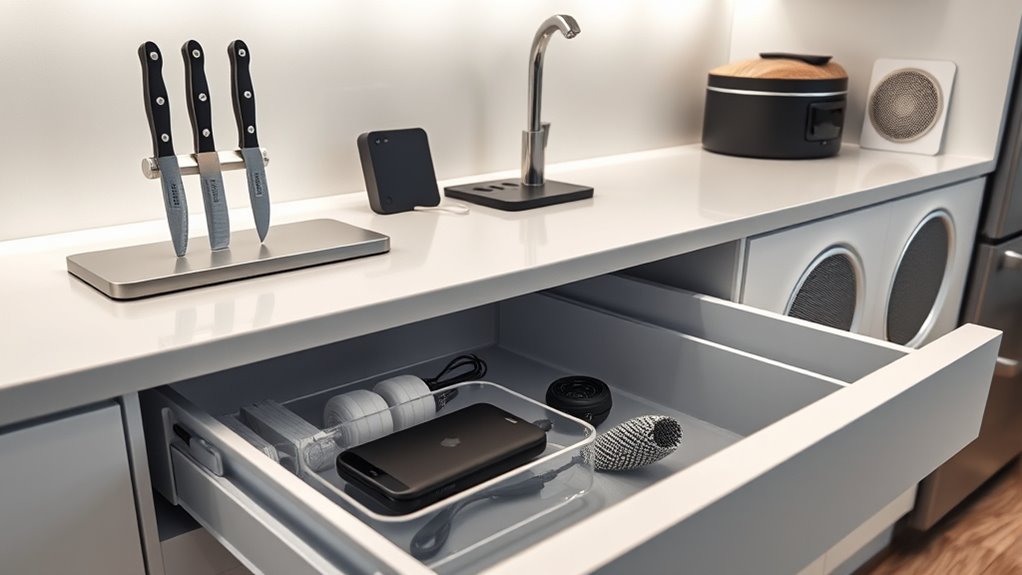
Arranging your tech gadgets for maximum accessibility guarantees you can quickly find and use them when needed. To enhance your smart kitchen decor, designate specific spots for each device, like charging stations or wall mounts, so they’re always within reach. Keep frequently used gadgets at eye level or on open shelves, avoiding clutter that slows you down. Prioritize tech gadget safety by securing cords and using protective cases, especially near water sources. Use labeled storage containers or drawer dividers to keep accessories organized and easy to locate. Clear surfaces help prevent accidents and make your smart kitchen look sleek. By thoughtfully arranging your gadgets, you create a functional space that’s both stylish and efficient, making technology seamlessly integrate into your daily routine.
Maintaining Your Smart Kitchen Organization System
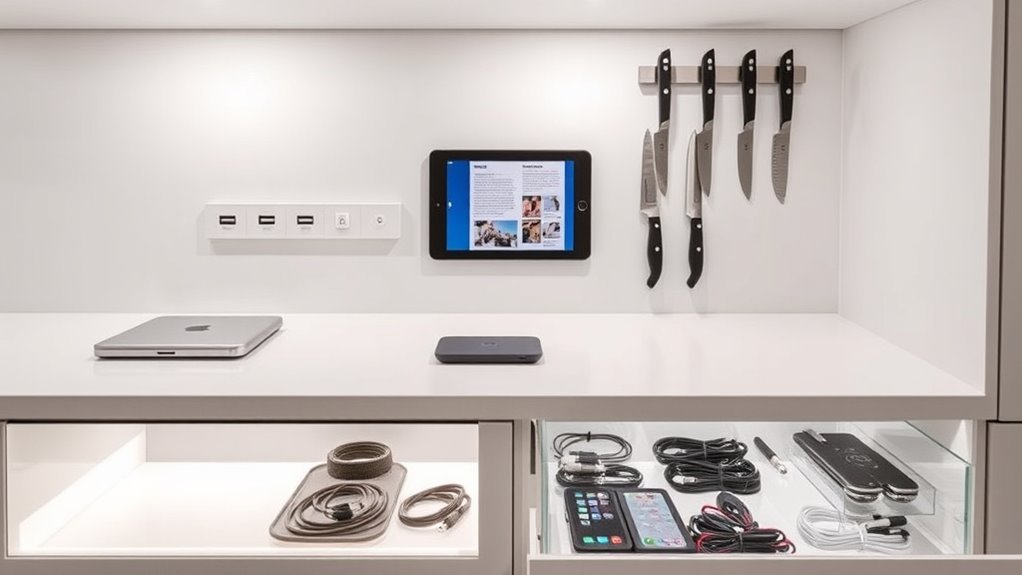
To keep your smart kitchen organized and functioning smoothly, regular maintenance is essential. Focus on smart appliance maintenance to prevent malfunctions and extend device lifespan. Additionally, use digital inventory tracking to monitor your tech gadgets and supplies effectively. To stay on top of this, consider these steps:
- Schedule routine checks for all smart appliances to ensure they operate correctly.
- Update software and firmware regularly to keep devices secure and up to date.
- Keep a digital inventory list, updating it whenever you add or remove gadgets or accessories.
Frequently Asked Questions
How Can I Prevent My Gadgets From Overheating in Storage?
To prevent your gadgets from overheating in storage, guarantee proper cable management by keeping cords untangled and away from heat sources. Use decorative storage options that promote airflow, like open shelves or ventilated bins. Avoid stacking devices tightly; instead, give each gadget space to breathe. Regularly clean vents and avoid direct sunlight. These steps help keep your tech cool and functioning efficiently while maintaining a stylish, organized kitchen space.
What Are the Best Materials for Storing Tech Devices Safely?
Think of your tech storage as a fortress—strong, reliable, and sleek. Opt for materials like bamboo, metal, or high-quality plastics that boast excellent durability to protect your devices. These materials also add aesthetic appeal, blending seamlessly with your kitchen decor. Their sturdy nature prevents damage from bumps or temperature changes, ensuring your gadgets stay safe and stylish. Choose wisely, and your tech will thank you with long-lasting performance.
How Do I Choose Storage Solutions for Different-Sized Gadgets?
Choose storage solutions with modular shelving and adjustable compartments to fit different-sized gadgets. Modular shelving lets you customize space, ensuring larger devices have enough room without clutter. Adjustable compartments help you organize smaller gadgets neatly, making everything easily accessible. This approach keeps your smart kitchen tidy and efficient, so you can quickly find and access your tech devices whenever you need them.
What Security Measures Should I Implement for Smart Kitchen Devices?
Imagine your smart kitchen as a fortress protecting your digital treasures. You should implement smart security measures like strong, unique passwords and enable two-factor authentication. Keep your devices updated with the latest firmware. Use data encryption for sensitive information and secure your Wi-Fi network with a strong password. Regularly monitor device activity to spot unusual behavior, ensuring your smart kitchen remains safe and your data stays protected.
How Can I Easily Update or Upgrade My Storage System Over Time?
You can easily update or upgrade your storage system by choosing modular shelving with adjustable compartments. This flexible setup allows you to reconfigure your space as your needs change, making it simple to add or remove sections. Regularly assess your gadgets and organize them accordingly, ensuring your storage adapts to new devices or tech upgrades. With modular shelving, you stay organized and keep your smart kitchen efficient over time.
Conclusion
With a well-organized smart kitchen, you’ll enjoy seamless access to your gadgets without clutter. Some might worry it’ll take too much effort, but once you set up simple storage solutions and charging stations, maintaining order becomes effortless. Stay consistent, and your kitchen will stay sleek and efficient. Embrace these ideas—you’ll love how much easier and more enjoyable cooking and tech use become every day.