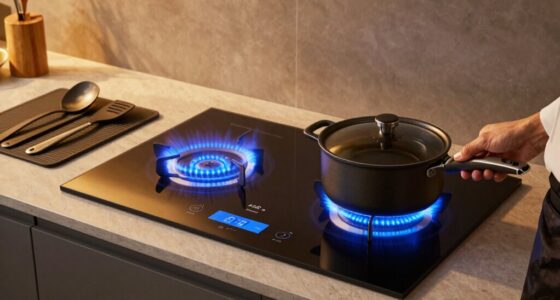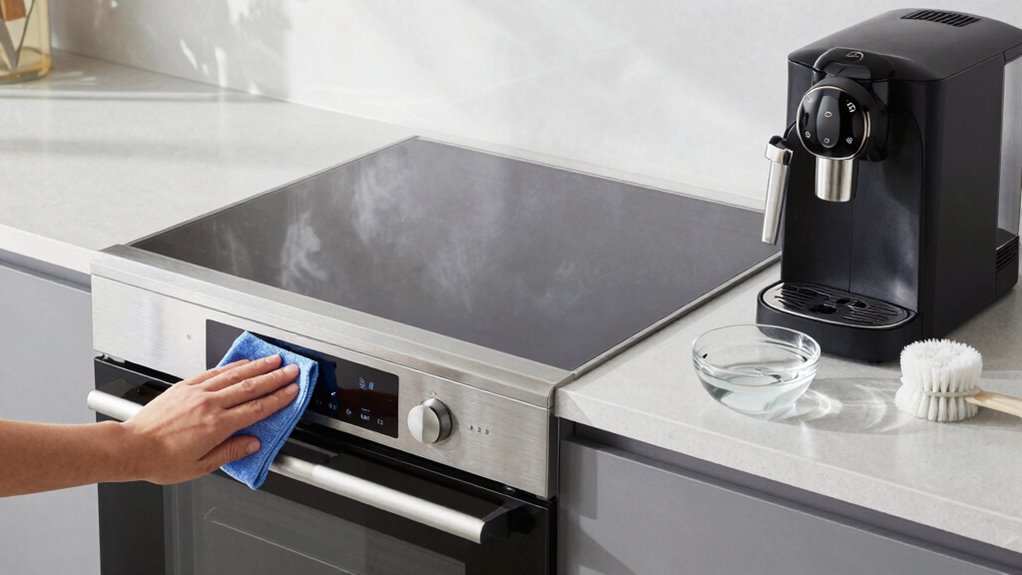

To clean connected appliances safely, unplug or switch them off first, and avoid harsh chemicals or excess moisture. Use a soft, slightly damp cloth to wipe surfaces and keep dust off wireless parts like antennas and modules, avoiding spray directly on these areas. Be careful not to damage sensitive components, and wait for devices to stabilize before reconnecting. Following these tips helps protect your appliances and maintain reliable wireless performance—if you keep exploring, you’ll discover more essential cleaning insights.

Get kitchen gear delivered free with Prime
- Fast, free delivery on millions of items
- Prime Video, Amazon Music and more included
- Member-only deals all year
Key Takeaways
- Unplug appliances and avoid excessive moisture; use a soft, damp cloth for cleaning sensitive surfaces.
- Keep wireless components dust-free and avoid sprays directly on antennas or modules.
- Refrain from cleaning during firmware updates; check for updates afterward to maintain performance.
- Handle devices carefully when repositioning to prevent damage to cables or sensitive parts.
- Follow manufacturer guidelines and avoid harsh cleaning agents to preserve warranties and device integrity.
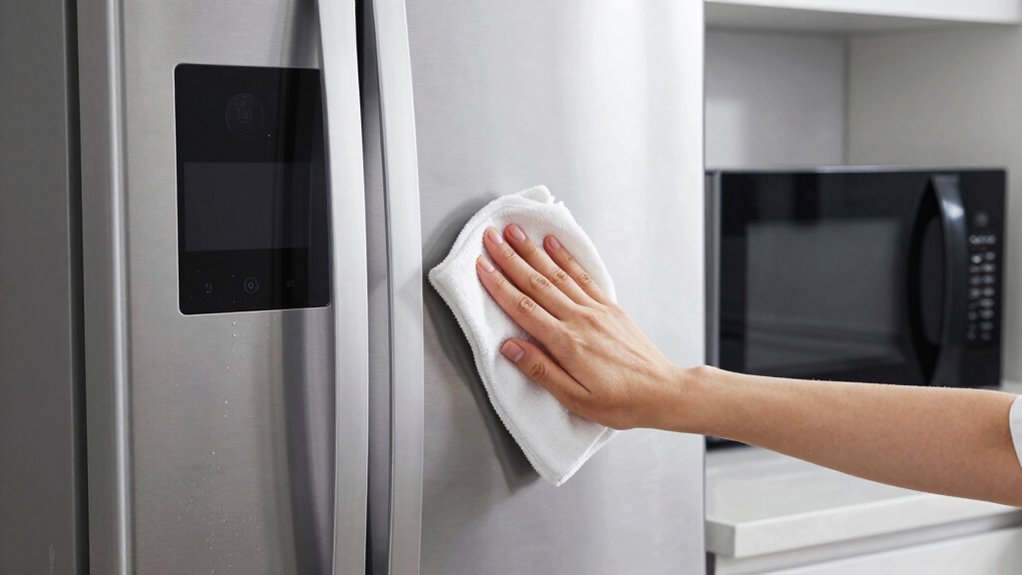
Cleaning connected appliances requires careful attention to avoid damaging their sensitive components. These devices, often integrated into your smart home, rely on delicate electronics and wireless connections that can be easily disrupted if you’re not cautious. Before beginning any cleaning, make sure your appliances are unplugged or powered down to prevent accidental short circuits or electrical damage. When cleaning, avoid using excessive moisture or harsh cleaning agents that could seep into vents or openings, risking internal damage. Instead, opt for a soft, slightly damp cloth to wipe surfaces and buttons, ensuring no liquid drips into the device. This approach helps maintain the device’s integrity while effectively removing dirt and grime. Additionally, understanding wireless interference and how it can affect your connected appliances is crucial for maintaining optimal performance during and after cleaning. wireless interference is a common concern when cleaning connected appliances, especially if you plan to move or reposition them temporarily. Keep in mind that electromagnetic signals can be disrupted by dust, debris, or even moisture on the device. When cleaning near antennas, Wi-Fi modules, or Bluetooth components, ensure these areas are free of dust and smudges. Avoid using sprays or aerosols directly on these parts, as residue can interfere with wireless signals, leading to connectivity issues. Once you’ve finished cleaning, give the device a moment to stabilize before reconnecting it to your network, ensuring that wireless interference doesn’t compromise its functionality. Proper handling of firmware updates during cleaning is essential, as interruptions can lead to software issues. firmware updates are essential for keeping your connected appliances running smoothly and securely. While cleaning, be mindful not to disconnect power sources abruptly, as this could interrupt an ongoing firmware update or cause software corruption. If your device prompts for an update, it’s best to delay cleaning until the process completes. Regular firmware updates often improve device performance, fix bugs, and enhance security, making your cleaning routine more effective in maintaining peak operation. Additionally, staying informed about industry insights can help you better understand how to care for your smart appliances and optimize their longevity. Remember that manufacturer guidelines should always be followed to prevent voiding warranties or causing unintended damage. After cleaning, check for available updates through the device’s app or settings menu, and follow the manufacturer’s instructions carefully. Keeping firmware current not only guarantees your appliance functions correctly but also helps prevent issues related to wireless interference or software glitches. To further ensure your appliances stay in top condition, consider regularly reviewing user manuals for specific cleaning recommendations and troubleshooting tips.
connected appliance cleaning cloth
As an affiliate, we earn on qualifying purchases.
As an affiliate, we earn on qualifying purchases.
Frequently Asked Questions
Can I Use Standard Cleaning Products on My Connected Appliances?
You shouldn’t use standard cleaning products on your connected appliances because chemical compatibility varies. Harsh chemicals can damage sensitive electronic parts and interfere with their functions. Instead, choose gentle, appliance-specific cleaners and follow recommended cleaning frequency to maintain performance and longevity. Always check your appliance’s manual for specific cleaning instructions to avoid voiding warranties or causing costly damage. Staying cautious helps keep your connected appliances safe and efficient.
How Often Should I Clean My Smart Appliances?
You should clean your smart appliances at least once a month to maintain ideal performance and prevent buildup. Establish a regular cleaning schedule as part of your appliance maintenance routine, considering how often you use each device. This guarantees they stay in good condition and function efficiently. Avoid harsh chemicals, and use gentle, appliance-specific cleaning methods to protect your connected devices while keeping them spotless.
Is It Safe to Unplug Connected Appliances During Cleaning?
Yes, it’s safe to unplug connected appliances during cleaning. Doing so allows you to perform remote maintenance and power cycling, which can help troubleshoot issues or reset the device. Just make sure you turn off the appliance properly and unplug it carefully. Power cycling by unplugging and plugging back in can refresh the system, but avoid sudden disconnections during active operations to prevent potential damage.
Do Cleaning Methods Vary Between Different Brands of Smart Appliances?
Sure, every brand claims its own magic cleaning protocol, but in reality, they all want you to follow the same basic rules—gentle wipes and avoiding harsh chemicals. While some brands tout special compatibility tips, most cleaning methods are quite similar across the board. Just remember, brand compatibility may influence specific instructions, but sticking to standard cleaning protocols keeps your smart appliances happy and functioning smoothly.
Can I Use a Steam Cleaner on Connected Appliances?
You should avoid using a steam cleaner on connected appliances because it can compromise appliance safety. Steam cleaning involves high moisture and heat, which may damage electronic components or wiring. Instead, use a damp cloth or manufacturer-recommended cleaning products to safely clean your smart appliances. Always guarantee the appliance is unplugged before cleaning, and check the user manual for specific cleaning instructions to prevent any damage.
As an affiliate, we earn on qualifying purchases.
Conclusion
Now that you know how to clean your connected appliances safely, you can keep them looking and working like new. Just remember, a little care goes a long way—don’t bite off more than you can chew. Regular, gentle cleaning will extend their lifespan and keep everything running smoothly. Stay vigilant, and your appliances will serve you well without a hitch. After all, an ounce of prevention is worth a pound of cure!
As an affiliate, we earn on qualifying purchases.
electronic device cleaning spray
As an affiliate, we earn on qualifying purchases.
As an affiliate, we earn on qualifying purchases.
Columbus Day / Indigenous Peoples' Day Picks
long weekend sales
As an affiliate, we earn on qualifying purchases.