
To use devices together for a smoother dinner workflow, start by planning and coordinating your tasks with smart apps or assistants. Sync appliances like ovens, slow cookers, and timers so they operate seamlessly and at the right times. Set alerts and notifications to stay updated, and automate device activation to reduce manual effort. This integration helps turn hectic routines into organized events. Keep exploring to discover how to make your dinner prep even more efficient.

Get kitchen gear delivered free with Prime
- Fast, free delivery on millions of items
- Prime Video, Amazon Music and more included
- Member-only deals all year
Key Takeaways
- Coordinate device schedules using smart apps to ensure seamless timing from prep to serving.
- Sync appliances via smart systems for unified control and automatic operation.
- Set alerts and notifications to stay updated on task completion and avoid delays.
- Automate device activation to minimize manual adjustments during multi-dish preparation.
- Plan and visualize the workflow to streamline tasks and reduce last-minute stress.

In today’s busy kitchens, integrating your devices can considerably streamline your dinner preparation. When you optimize how your appliances and smart gadgets work together, you create a smoother workflow that saves time and reduces stress. The key to this integration lies in effective meal prep and timing coordination. By planning ahead and syncing your devices, you can ensure each step of your meal comes together seamlessly.
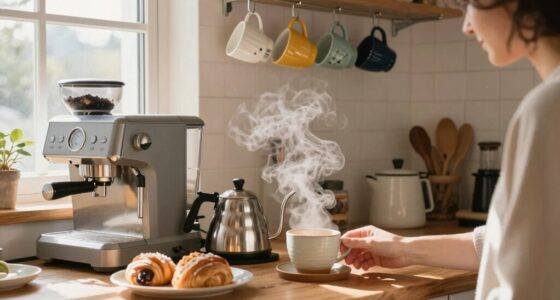
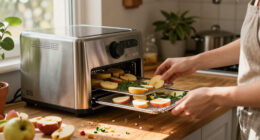
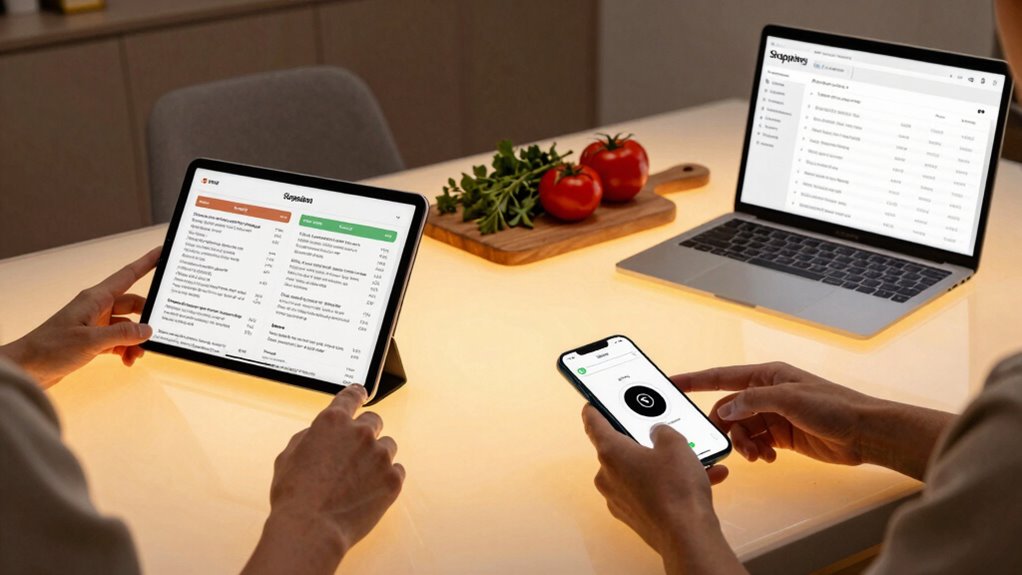
Start by organizing your devices around your cooking process. Use a smart assistant or app to create a detailed timeline for your dinner, breaking down each task from chopping vegetables to cooking the main course. This planning helps you see how long each step takes and allows you to coordinate devices accordingly. For instance, if your smart oven can be programmed remotely, set it to preheat while you’re finishing prep work. This way, you’re not wasting time waiting for the oven to reach the right temperature, and your meal prep flows smoothly.
Organize devices with a detailed timeline, syncing preheating and tasks for seamless, stress-free meal prep.
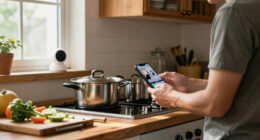
Leverage smart timers and notifications to keep everything on track. Many appliances now allow you to set alarms that notify you when a task is complete, whether it’s boiling water, roasting chicken, or simmering a sauce. These alerts help you stay focused on your prep without constantly checking the clock. Use your smartphone or a smart kitchen hub to receive these updates in one place, so you don’t have to juggle multiple devices or guess when it’s time to move to the next step. Smart device synchronization can further enhance this coordination by seamlessly connecting all your appliances within a unified system.
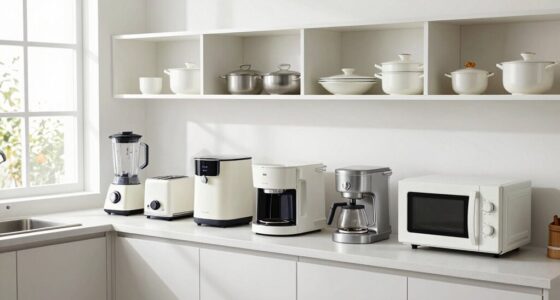
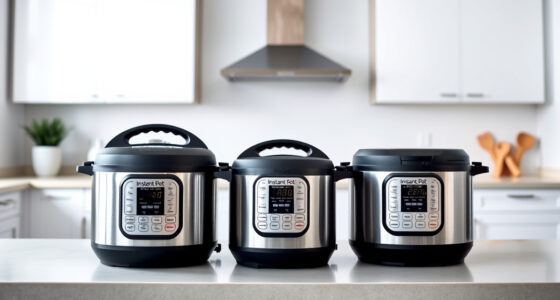
Synchronization also extends to your cookware and appliances. For example, if your slow cooker and rice cooker are compatible with your smart home system, program them to start cooking at specific times. This coordination ensures your grains are ready exactly when your main dish finishes, reducing the need for last-minute heat-ups or rewarming. When devices work in harmony, they free you from multitasking and allow you to focus on seasoning, plating, and presentation instead of managing each appliance separately.
Finally, embrace automation where possible. Setting your smart devices to activate at certain times means you don’t have to be physically present for every step. This kind of timing coordination makes meal prep more efficient and less stressful, especially when juggling multiple dishes. Additionally, understanding the capabilities of your smart devices can help you maximize their potential and streamline your workflow even further. By integrating your kitchen devices and planning with care, you turn a hectic dinner into a well-orchestrated event, giving you more control and confidence in the process.
Products Worth Considering

Ninja Foodi Smart 6-in-1 Indoor Grill and Air Fryer, 4 Qt, Black/Silver, FG551

Cuisinart CPZ-120 Indoor Countertop Pizza Oven, Stainless Steel

Instant Pot Rio 6-Quart 7-in-1 Electric Pressure Cooker, Black
As an affiliate, we earn on qualifying purchases.
Frequently Asked Questions
Can I Connect Multiple Devices Simultaneously Without Lag?
Yes, you can connect multiple devices simultaneously without lag by focusing on device compatibility and optimizing your setup. To boost multitasking efficiency, guarantee all devices support the same connectivity standards like Bluetooth or Wi-Fi. Use a strong, stable network and minimize interference. Regularly update device firmware and choose high-quality accessories. This way, you’ll enjoy seamless multitasking, making your dinner workflow smoother and more efficient without frustrating lag.
What Are the Best Apps for Device Synchronization During Dinner Prep?
Ever wondered how to keep your devices perfectly in sync during dinner prep? Apps like Paprika and Evernote are your best bet, offering seamless recipe sharing and ingredient tracking. These apps let you update recipes across devices instantly, so everyone stays on the same page. With real-time synchronization, you’ll avoid confusion, save time, and enjoy a smoother cooking experience. Isn’t that the dinner prep upgrade you’ve been waiting for?
How Do I Troubleshoot Connectivity Issues Between Devices?
To troubleshoot connectivity issues between devices, start by checking your device pairing. Make sure Bluetooth or Wi-Fi is enabled and devices are within range. Restart both devices to reset connections. Update your apps and device firmware for compatibility. If issues persist, reset network settings or re-pair the devices. Following these troubleshooting steps helps restore seamless device synchronization, keeping your dinner workflow smooth and efficient.
Are There Security Concerns When Sharing Devices During Dinner?
Sharing devices during dinner can pose privacy risks, so you should be cautious about unauthorized access. Always lock your devices with passwords or biometric security, and avoid sharing sensitive information. Keep personal accounts signed out, and be mindful of what others can see on your screen. Using guest modes or limited access settings can help protect your privacy while still allowing device sharing, ensuring everyone feels comfortable during the meal.
Which Devices Are Compatible for a Seamless Dinner Workflow?
You can guarantee a seamless dinner workflow by choosing devices with strong device compatibility, such as smart speakers, kitchen displays, and connected appliances. Look for products that support popular platforms like Alexa, Google Assistant, or Apple HomeKit. This way, you can effortlessly control your kitchen automation, play music, set timers, or adjust lighting with a simple voice command or app, making your dinner prep smoother and more enjoyable.
Conclusion
By seamlessly integrating your devices, you’ll create a dinner workflow that’s as smooth as silk. Think of it like conducting an orchestra, where each device plays its part perfectly in harmony. When you coordinate your tools effectively, meal prep becomes quicker and less stressful, leaving you more time to enjoy the evening. Embrace these tech tips, and watch your dinner routine transform into a well-oiled machine—effortless, efficient, and enjoyable.