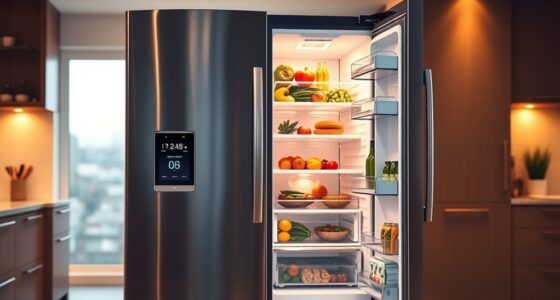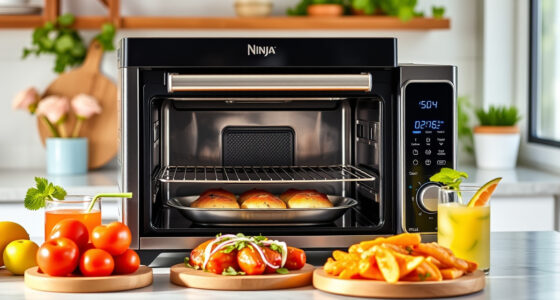
To program your smart oven presets, start by selecting an existing preset close to what you want. Then, adjust the temperature, cooking time, and fan settings to match your preferences. Save these modifications under a custom name for quick future use. You can create multiple personalized presets for various dishes, making cooking more efficient and consistent. Keep experimenting with settings, and you’ll discover how to fine-tune your presets for perfect results every time.
Key Takeaways
- Start by selecting an existing preset similar to your desired settings as a base.
- Adjust temperature, cooking time, and fan options manually or via app to fine-tune the preset.
- Save your modifications under a custom name for easy future use.
- Create multiple presets tailored for different dishes to streamline your cooking process.
- Continually refine presets based on results, recording effective adjustments for consistent, professional-quality outcomes.
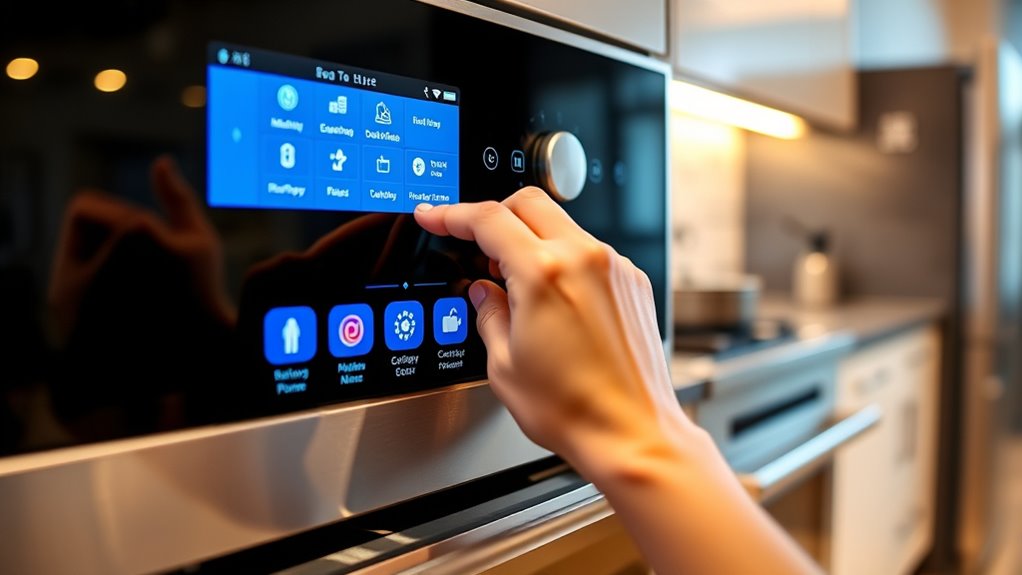
Have you ever wanted to tailor presets to better suit your unique style? If so, you’re in the right place. Modern smart ovens come equipped with an array of smart oven features designed to make cooking easier and more personalized. These features often include preset modes for baking, roasting, grilling, and more, but the real power lies in customizing these presets to match your specific preferences. When you learn how to adjust and program your oven’s presets, you gain control over your cooking process, ensuring perfect results every time.
To start customizing your presets, familiarize yourself with your oven’s control panel. Most smart ovens have a user-friendly interface that allows you to select, modify, and save preset settings. Begin by choosing an existing preset that closely resembles your desired cooking parameters. Then, explore the preset adjustment tips provided in your oven’s manual or app to fine-tune the temperature, cooking time, and fan settings. For example, if you find that your baked goods need a slightly lower temperature or longer cook time, adjust these parameters accordingly. Once you’ve perfected your settings, save them under a custom name, so you can easily select them for future use.
Familiarize yourself with the control panel to customize and save your preferred preset settings easily.
Many smart ovens also allow you to create multiple custom presets, which is especially useful if you cook a variety of dishes regularly. For each dish—whether it’s a casserole, a roast, or a delicate soufflé—you can program specific temperature and time settings that suit your recipe requirements. This saves you from manually entering temperatures and times each time you cook. Additionally, some ovens let you set up automatic alerts or notifications, so you’re reminded when to check on your dish or when the cooking cycle is complete. Understanding thermal behavior can help you make more precise adjustments for consistent results.
In addition to basic adjustments, some smart oven features enable you to set energy-saving modes or optimize cooking sequences. These advanced options can be customized to align with your lifestyle, making your cooking process even more efficient. When making these adjustments, keep notes on what works best for your dishes — this way, you can refine your presets over time for consistent, professional results.
smart oven preset programming device
As an affiliate, we earn on qualifying purchases.
As an affiliate, we earn on qualifying purchases.
Frequently Asked Questions
Can I Delete or Reset Custom Presets on My Smart Oven?
Yes, you can delete or reset custom presets on your smart oven. To do preset deletion, access the preset menu, select the preset you want to remove, and choose the delete option. For reset procedures, usually, you press and hold specific buttons or navigate through the settings to restore defaults. Check your oven’s manual for exact steps, as procedures may vary by model.
Are There Limits to the Number of Presets I Can Create?
While your smart oven’s preset storage offers convenience, there are preset limits you should be aware of. These limits vary by model, often capping the number of custom presets you can create. Think of it like a flexible yet finite memory—expanding your options but within boundaries. To maximize your oven’s potential, check your user manual for exact preset limits and avoid exceeding them, ensuring smooth customization.
How Do I Update or Modify Existing Preset Programs?
To update or modify an existing preset program, you simply select the preset you want to change, then access the program modification menu. You can adjust settings like temperature, time, or cooking mode. Save your changes to complete the program updating process. This way, you customize your preset to fit your preferences, ensuring your smart oven or cooker performs exactly how you want it every time.
Can I Share My Custom Presets With Others?
Yes, you can share your custom presets with others through the sharing options available on your smart oven or cooker. Make sure your presets are compatible with the recipient’s device by checking preset compatibility. Typically, you can export your presets via a companion app or Bluetooth, then send them directly or upload to a shared platform. Just verify both devices support the same preset format for seamless sharing.
What Should I Do if My Preset Programming Isn’t Saving Correctly?
If your preset programming isn’t saving correctly, first check for saving errors by ensuring you’re following the proper steps. If issues persist, try resetting procedures outlined in your user manual to clear any glitches. Make sure you’re holding the save button long enough and confirming your selections. If problems continue, contact customer support for further assistance. Resetting often resolves most saving errors and restores normal functionality.
digital oven preset customization kit
As an affiliate, we earn on qualifying purchases.
As an affiliate, we earn on qualifying purchases.
Conclusion
Now that you’ve mastered customizing your smart oven’s presets, you’re practically a culinary tech wizard. Who knew programming could be so satisfying? Just remember, all those perfect settings won’t save your burnt toast if you forget to actually watch it. So go ahead, get creative—and maybe keep a close eye on your masterpiece. After all, technology’s great, but it still can’t replace good old-fashioned kitchen intuition. Happy cooking!
smart oven app control accessories
As an affiliate, we earn on qualifying purchases.
As an affiliate, we earn on qualifying purchases.
oven preset storage and labeling system
As an affiliate, we earn on qualifying purchases.
As an affiliate, we earn on qualifying purchases.