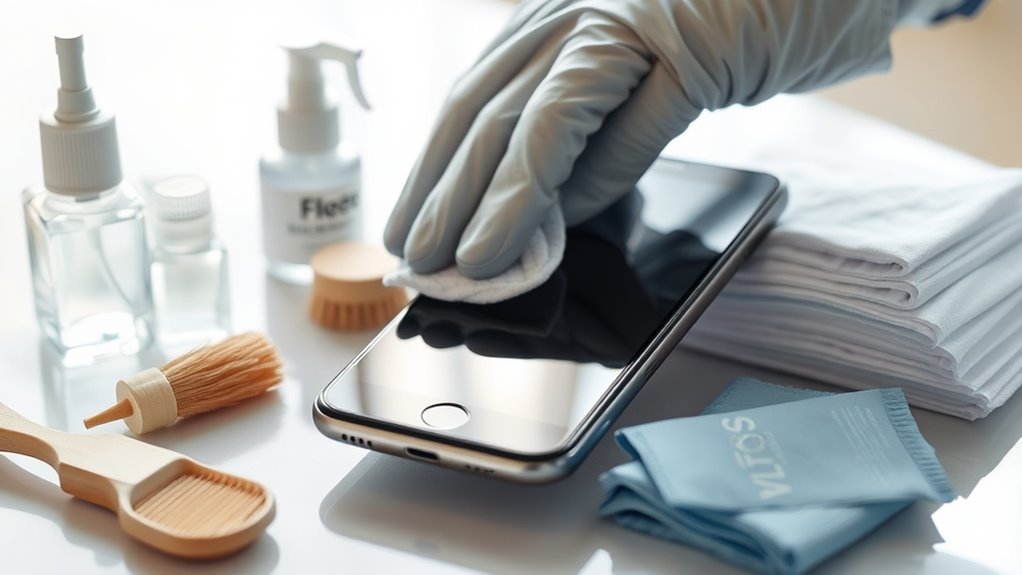

To keep your gadgets germ-free and guarantee they run smoothly, regularly clean them with gentle, electronics-safe solutions like microfiber cloths dampened with at least 70% alcohol. Use soft brushes or compressed air for ports, and avoid harsh chemicals. Keep screens clear of smudges, and disinfect surfaces routinely. Protect your devices from dust, dirt, and moisture, and follow proper maintenance steps. If you continue exploring, you’ll discover even more tips to maintain ideal device hygiene and performance.
Key Takeaways
- Regularly clean devices using microfiber cloths and alcohol-based disinfectants to remove dirt, fingerprints, and germs effectively.
- Turn off devices and unplug before cleaning to prevent damage and ensure safety during disinfection.
- Use compressed air and soft brushes to clear dust from ports, vents, and crevices safely.
- Apply screen protectors and keep devices away from messy or high-traffic areas to reduce dirt and fingerprint buildup.
- Follow manufacturer guidelines for cleaning smart devices and wearables, utilizing UV sterilization or appropriate surface wipes.

MagicFiber Microfiber Cleaning Cloth, Glasses Cleaner, Eyeglass Wipes, 6pk
- High-Quality Microfiber Material: Removes dust, oil, smudges without scratches
- Versatile Screen & Glass Cleaner: Suitable for glasses, screens, TVs, and more
- Lint-Free & Protective: Each cloth comes in a polybag for freshness
As an affiliate, we earn on qualifying purchases.
As an affiliate, we earn on qualifying purchases.
Understanding the Importance of Regular Gadget Cleaning
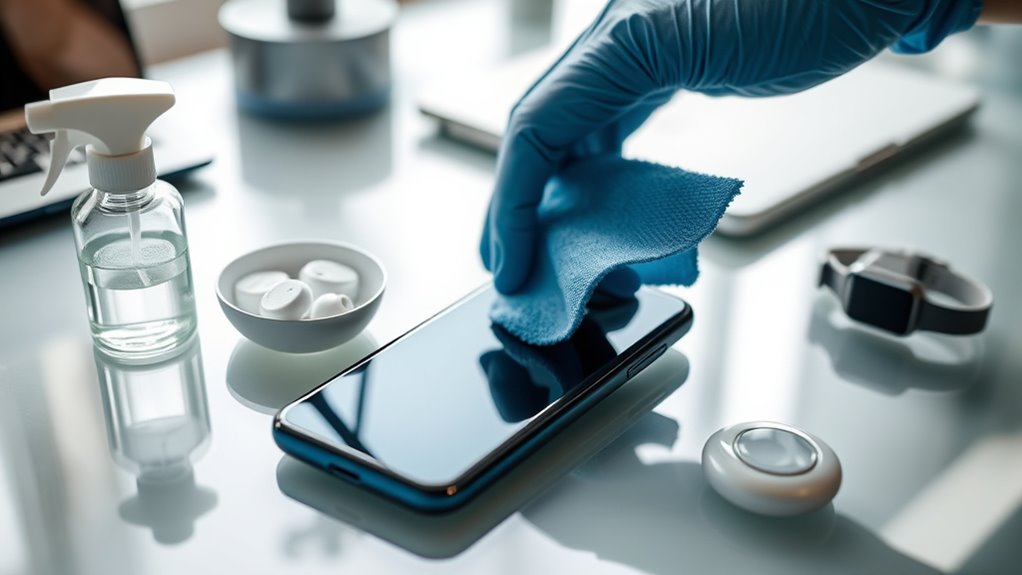
Since gadgets are used daily and often touch your hands, they can quickly accumulate dirt, germs, and oils that may harm your health. Screen smudges not only make it harder to see clearly but can also harbor bacteria, increasing the risk of infections. Regular cleaning keeps your screens clear, ensuring better visibility and reducing germs. Battery hygiene is equally important; dirt and dust around charging ports can cause connectivity issues or reduce battery lifespan. Keeping your device clean prevents buildup that might interfere with performance and prolongs its longevity. Neglecting regular cleaning can lead to more frequent malfunctions and potential health risks. Making it a habit to clean your gadgets helps maintain their efficiency and keeps you healthier by reducing exposure to harmful germs and bacteria. Incorporating energy-efficient cleaning methods can further enhance your device maintenance while supporting sustainable practices. Additionally, choosing eco-friendly cleaning products can minimize environmental impact and promote overall device longevity. Regularly using smart cleaning devices can also help automate this routine, making maintenance easier and more effective. Employing natural cleaning solutions can further reduce chemical exposure and benefit the environment.

Professional Disposables Surface Disinfectant Super Sani-Cloth Wipes, 160Count
- Effective Germicidal Formula: 55.5% active germicidal agents
- Material-Friendly Design: Gentle on various surfaces
- Fast-Acting Disinfection: Kills germs in 2 minutes
As an affiliate, we earn on qualifying purchases.
As an affiliate, we earn on qualifying purchases.
The Right Tools and Materials for Safe Cleaning
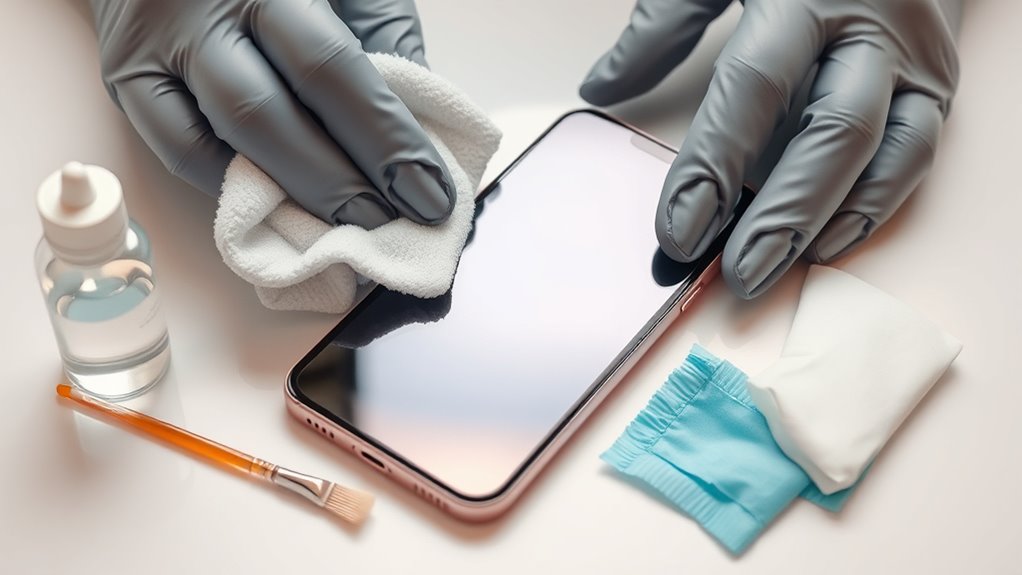
Using the right tools and materials is essential for cleaning your gadgets safely and effectively. Start with gentle cleaning solutions specifically designed for electronics—avoid harsh chemicals that can damage screens or coatings. Microfiber cloths are ideal for wiping screens without scratching, and they help remove fingerprints and smudges effortlessly. If you have screen protectors, remove them before cleaning to prevent trapping dirt or moisture underneath. Use soft brushes or compressed air to clear dust from ports and crevices without risking damage. Avoid abrasive materials like paper towels or rough cloths, which can scratch surfaces. Having these proper tools and materials on hand ensures you clean thoroughly without compromising your device’s integrity or display quality. Proper cleaning techniques also help maintain the device’s reliability, preventing issues caused by dust or debris buildup. Additionally, being aware of home electrical safety guidelines ensures you do not inadvertently damage your gadgets or create hazards during cleaning.
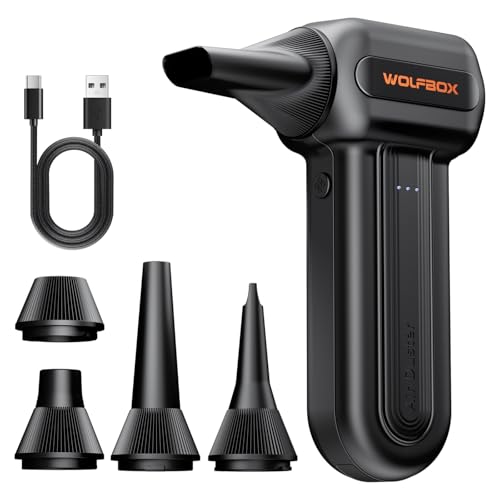
WOLFBOX MF60 Compressed Air Duster, 3-Speed Adjustable, Electric, Cordless
- High-Speed Motor: 110,000 RPM powerful airflow
- Multiple Speed Settings: 3 adjustable speeds for different tasks
- Long Battery Life: Up to 240 minutes runtime
As an affiliate, we earn on qualifying purchases.
As an affiliate, we earn on qualifying purchases.
Step-by-Step Guide to Cleaning Your Smartphone and Tablet
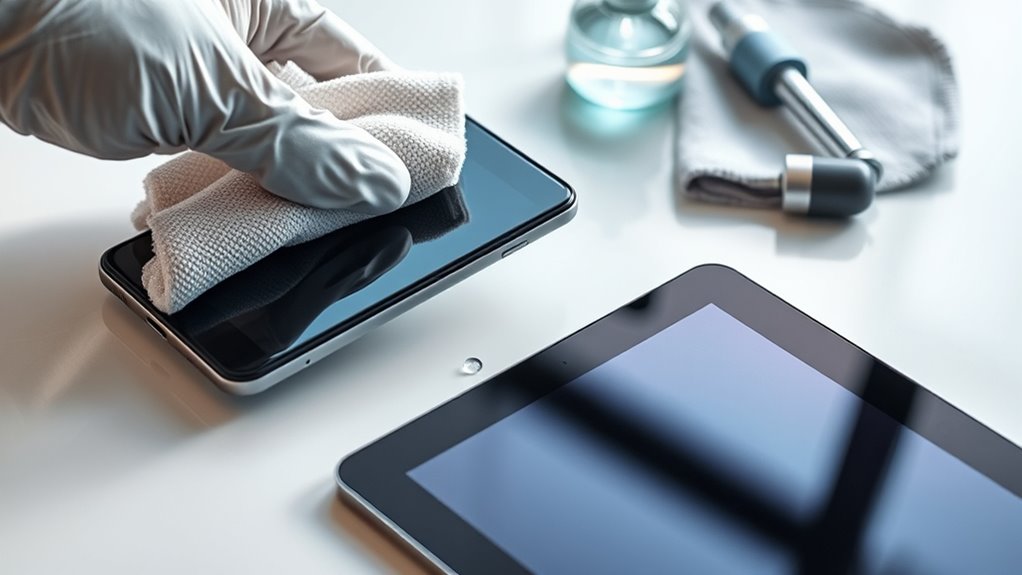
Begin by turning off your device and unplugging it from any power source. Next, follow these steps to clean your smartphone or tablet effectively while maintaining screen sensitivity and battery health:
- Gently wipe the screen with a microfiber cloth dampened with a mixture of 70% isopropyl alcohol and water. Avoid excess moisture.
- Use a soft brush or compressed air to remove debris from ports and crevices.
- Wipe the body with a slightly damp cloth to prevent dirt buildup. This helps prevent germ transmission and maintains your device’s hygiene. Regular cleaning can also help identify potential issues early, enhancing your device’s overall performance. Incorporating proper cleaning techniques can further improve your device’s durability.
- Dry all surfaces thoroughly before turning your device back on.
- To further protect your device’s longevity, consider safe charging practices and avoid exposing it to extreme temperatures during cleaning and use. Proper cleaning also supports device longevity by reducing the risk of damage caused by dirt or moisture.
Be careful not to apply too much liquid, as excess moisture can harm internal components. Proper cleaning preserves screen sensitivity and helps maintain ideal battery health for longer device lifespan.

CUIUD Touchscreen Screen Cleaner Kit 2 Pcs, Phone, Tablet and Car Screen Cleaner, Two in One Spray and Microfiber Cloth(Grey&Pink)
- Portable Design: Lipstick-sized for easy carrying
- Complete Cleaning Kit: Includes spray and microfiber cloth
- Gentle on Screens: Microfiber cloth prevents damage
As an affiliate, we earn on qualifying purchases.
As an affiliate, we earn on qualifying purchases.
Tips for Cleaning Laptops and Desktop Computers
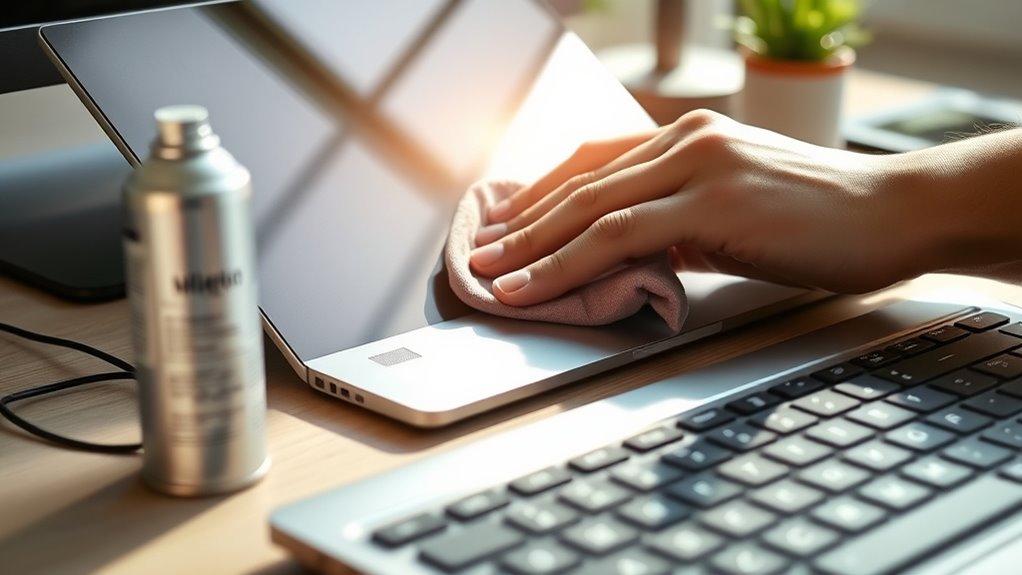
Keeping your laptop or desktop clean not only improves its appearance but also guarantees it runs efficiently. Start with keyboard maintenance by using compressed air to blow out dust and debris from between keys. Wipe the keys gently with a microfiber cloth dampened with isopropyl alcohol to remove germs and grime. Regular software cleanup is equally important; delete unused files, uninstall unnecessary programs, and run disk cleanup tools to free up space and improve performance. Keep your device’s vents clear to prevent overheating, and use a soft, lint-free cloth to clean the screen. Avoid harsh chemicals that could damage surfaces. Proper device maintenance helps extend your computer’s lifespan and ensures it functions reliably. Consistent cleaning ensures your device stays germ-free and boosts its longevity, making your workspace cleaner and more productive.
How to Disinfect Smart Home Devices and Wearables
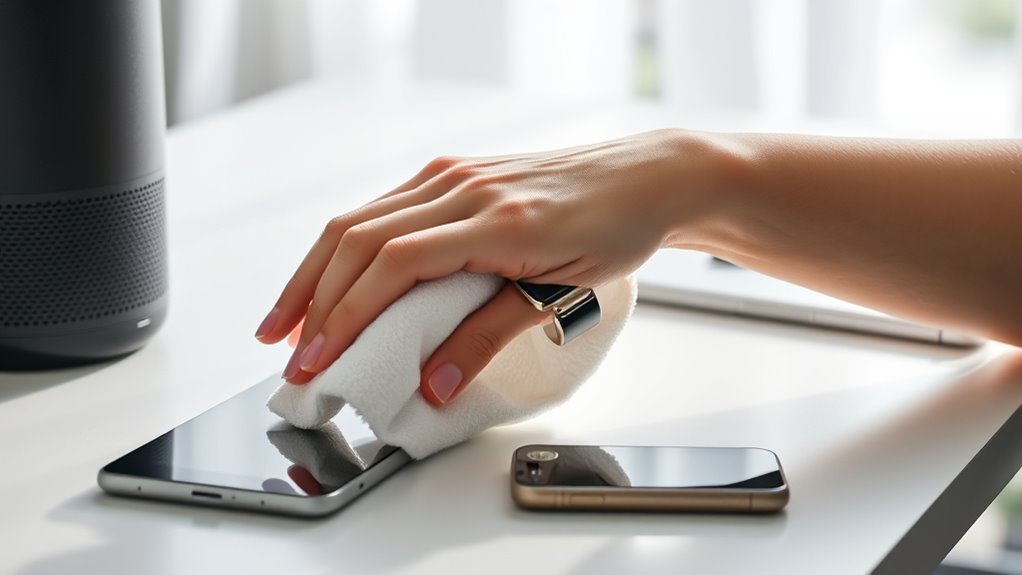
To effectively disinfect your smart home devices and wearables, use gentle cleaning methods that kill germs without damaging your gadgets. It’s important to follow proper techniques to prevent any harm to sensitive components. With the right approach, you can keep your devices clean and functioning perfectly. Incorporating proper maintenance techniques can also help extend the lifespan of your gadgets and ensure they perform reliably over time. Recognizing narcissistic traits in your devices, such as overdependence on validation or manipulation, can help you manage your relationship with technology more healthily. Additionally, observing the air purifier maintenance dos and don’ts can improve your device’s performance and air quality, especially since regular upkeep can enhance overall air quality in your environment.
Effective Disinfection Techniques
Disinfecting smart home devices and wearables is essential for maintaining hygiene and preventing the spread of germs. To do this effectively, consider these techniques:
- Use UV light sterilization: Expose devices to UV light for several minutes to kill bacteria and viruses without chemicals.
- Apply alcohol-based disinfectants: Dampen a microfiber cloth with at least 70% alcohol to wipe surfaces thoroughly.
- Avoid harsh chemicals: Steer clear of bleach or abrasive cleaners that can damage sensitive electronics.
- Follow manufacturer guidelines: Always check device instructions for recommended cleaning methods and disinfectant compatibility.
- Be aware of Gold IRA markets and options for secure asset storage, which can complement your overall financial health.
Preventing Device Damage
Since improper cleaning methods can damage sensitive electronics, it’s important to handle your smart home devices and wearables carefully during disinfection. Use gentle cleaning solutions and avoid harsh chemicals that can harm screens or thin coatings. Always turn off devices and disconnect batteries when possible to prevent short circuits and preserve battery life. For screens, apply disinfectants to a microfiber cloth rather than directly onto surfaces, helping maintain screen protection and avoid scratches. Be cautious with moisture; excess liquid can seep into ports and damage internal components. Regularly cleaning without aggressive scrubbing keeps devices safe from damage. Proper handling preserves your device’s longevity, ensuring both effective disinfection and ideal performance. Remember, gentle, precise cleaning methods protect your gadgets and extend their lifespan.
Preventative Measures to Reduce Dirt and Germ Accumulation
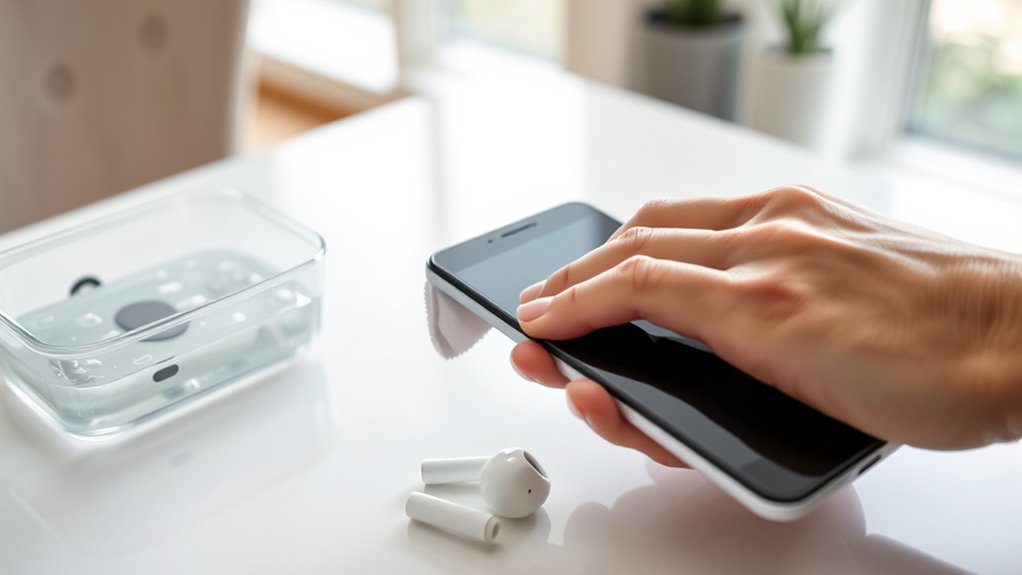
Implementing simple preventative measures can considerably cut down on dirt and germs accumulating in your home. Start by regularly cleaning your device cases to remove dirt and bacteria. Use disinfectant wipes or mild soap and water to keep cases clean. Next, always apply screen protectors, which act as a barrier against dirt and fingerprints, making cleaning easier. Consider these additional steps:
- Wash your hands frequently to prevent transferring germs onto gadgets.
- Avoid eating directly over your devices to reduce crumbs and spills.
- Keep your gadgets away from high-traffic, dusty areas.
- Schedule routine case cleaning and wipe screens daily with a microfiber cloth.
- Be aware of security zone info to understand how to better protect your devices from environmental hazards.
- Stay informed about crypto market trends to better understand external factors that may influence device usage and security practices.
- Maintain good device hygiene habits, including regular inspections to detect and address potential issues early.
- Pay attention to germ transmission pathways and implement measures to break the cycle of contamination.
- Regularly inspect piercing jewelry and piercings for signs of infection or irritation, as proper piercing care can prevent complications and promote healing.
These habits help maintain a cleaner device environment and minimize germ buildup over time.
Maintaining Your Devices for Long-Term Performance
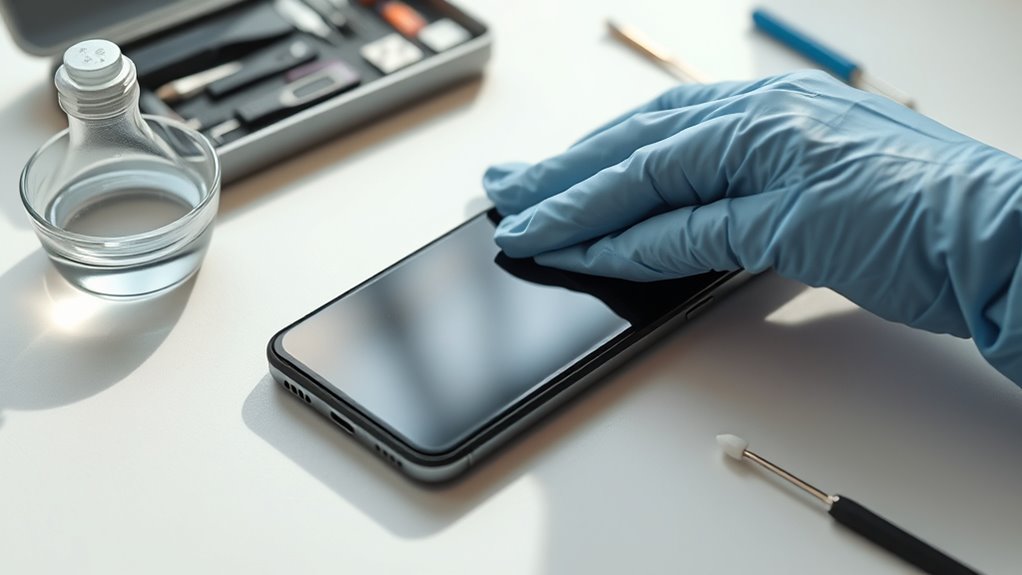
To guarantee your devices perform reliably over time, regular maintenance is essential. Practicing good tech hygiene helps prevent buildup of dirt, dust, and germs that can impair functionality. Keep your devices clean by wiping screens and surfaces with appropriate cleaners, and avoid harsh chemicals. Regularly update software to patch security vulnerabilities and optimize performance. Check cables and ports for dust and debris, ensuring they remain in good condition. Protect your devices from extreme temperatures and moisture, which can cause long-term damage. Additionally, understanding the thermal behavior of your gadgets allows you to better manage heat exposure and prevent overheating. By maintaining a consistent cleaning routine and handling your gadgets carefully, you extend their lifespan and improve overall performance. This proactive approach ensures your devices stay in top shape, saving you money and frustration down the line.
Frequently Asked Questions
How Often Should I Clean Each Type of Gadget?
You should clean your gadgets regularly, ideally once a week or more often if you use UV light sanitizers. Smartphones and tablets need cleaning at least weekly, while keyboards and remote controls benefit from bi-weekly cleanings. For devices exposed to germs or dirt, increase cleaning frequency. Using UV light sanitizers can help maintain hygiene between deep cleans, keeping your gadgets germ-free and functioning smoothly.
Can I Use Household Cleaning Products on Electronics?
Like a knight in shining armor, you might think household cleaners are your gadgets’ saviors, but they’re not. You shouldn’t use household cleaning products on electronics because they can damage sensitive components. Stick to electronic-safe wipes and cleaners to guarantee electronic safety. These products effectively disinfect without harming your devices, keeping them clean and functioning well. Always read labels and avoid harsh chemicals for the best protection.
Are There Specific Cleaning Routines for Touchscreen vs. Non-Touch Devices?
Yes, you should use different cleaning routines for touchscreen and non-touch devices. For screen cleaning and device sanitization on touchscreens, use a soft, lint-free cloth with a mixture of 70% isopropyl alcohol or a screen-safe cleaner. Be gentle and avoid harsh chemicals. For non-touch devices, you can use slightly damp cloths and disinfectants, but always make certain you avoid excess moisture to prevent damage. Regularly cleaning keeps your devices germ-free and functioning properly.
How Do I Clean Devices With Removable Batteries Safely?
To clean devices with removable batteries, start by carefully removing the battery to prevent damage. Use a soft cloth dampened with a disinfectant safe for electronics—avoid harsh chemicals. Gently wipe the device and battery contacts, making certain no liquid seeps inside. Allow everything to dry completely before reassembling. This method guarantees effective cleaning while prioritizing disinfectant safety and preventing potential damage to your device.
What Are Signs Indicating My Device Needs Professional Cleaning?
Did you know that over 60% of device failures are due to dust buildup? If you notice your device overheating, frequent crashes, or reduced performance, it’s a sign it needs professional cleaning. Dust accumulation can block vents and cause overheating, so don’t ignore these signs. When issues persist despite cleaning, it’s time to seek expert help to guarantee your device stays in top shape.
Conclusion
Keeping your gadgets clean isn’t just about appearance—it’s essential for your health and device longevity. Regular cleaning prevents germs from spreading and ensures your devices run smoothly. Are you ready to make cleaning a simple part of your routine? With the right tools and techniques, you can keep your gadgets germ-free and performing at their best. Start today and enjoy the peace of mind that comes with a cleaner, healthier digital environment.