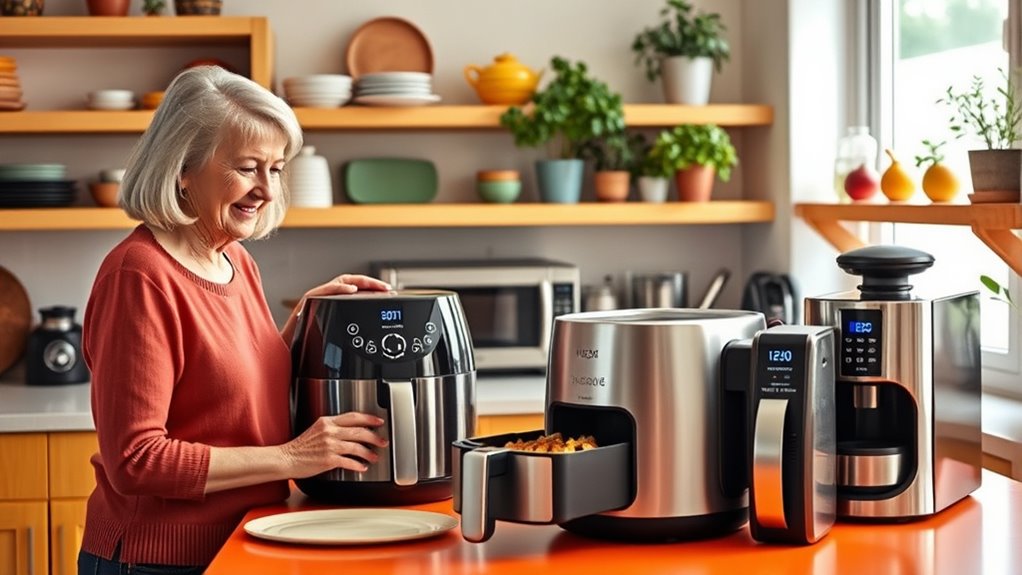

To help seniors learn to use modern kitchen gadgets, start with voice-activated devices that simplify tasks. Demonstrate commands slowly and clearly, encouraging practice until they feel confident. Emphasize safety by explaining device functions, keeping everything accessible, and using timers. Regular maintenance and visual cues boost confidence and safety. Combining simple instructions with supervision and visual aids creates a secure, empowering environment—continue exploring these strategies to make kitchen time safer and more enjoyable.

Get kitchen gear delivered free with Prime
- Fast, free delivery on millions of items
- Prime Video, Amazon Music and more included
- Member-only deals all year
Key Takeaways
- Use clear, slow voice commands and encourage repetition to build confidence in operating kitchen gadgets.
- Provide supervised practice sessions to reinforce understanding of device functions and safety features.
- Ensure the kitchen environment is clutter-free and devices are positioned visibly for easy access and safety.
- Teach proper device maintenance, updates, and turning off appliances to ensure safe and secure usage.
- Incorporate visual cues and familiar language to enhance understanding and support safe, independent operation.
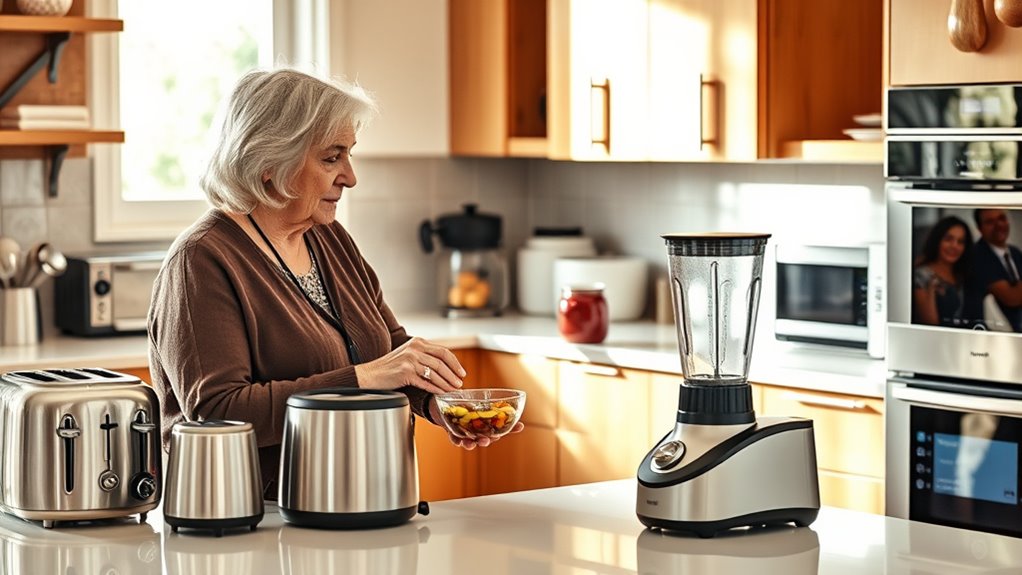
Ever wondered how to help seniors confidently navigate today’s technology? When it comes to modern kitchen gadgets, the key is making the learning process approachable and safe. Many seniors feel overwhelmed by the array of new devices, but introducing them to voice commands can substantially boost their confidence. Voice-activated appliances, like smart ovens or coffee makers, are designed to simplify cooking—just say what you want, and the device takes care of the rest. To get started, demonstrate how to activate these voice commands clearly and slowly, encouraging your loved one to repeat the phrases until they feel comfortable. Remember, patience is essential as they learn the new vocabulary and commands. Incorporate simple, everyday language that they can easily remember, such as “Bake at 350 degrees” or “Start coffee,” to make interactions seamless.
While guiding them through these devices, safety precautions should always be a priority. Confirm the kitchen environment is free of clutter, so there are no tripping hazards or accidental spills. Show them how to position their devices in accessible spots where they can see and reach easily. It’s also important to teach them about potential safety concerns, like not leaving appliances unattended while in use or setting timers to avoid overcooking. Emphasize that voice commands are a helpful tool but not a substitute for close supervision or common sense. Encourage them to double-check settings on their devices and to keep emergency numbers handy in case they need help.
You should also emphasize the importance of understanding the functions of each gadget before relying on voice commands. For example, demonstrate how to operate a smart microwave or a connected stove, explaining the different features and safety features built in. Offer practice sessions where they can try out commands under your supervision, reinforcing their learning and confidence. Make sure they know how to turn devices off or pause them if necessary. It’s equally critical to remind them to keep their devices updated with the latest software, as updates often include security patches and safety enhancements. Additionally, explaining the benefits of color accuracy can help them better understand how visual cues can assist in safe and effective cooking.
voice-activated smart kitchen appliances for seniors
As an affiliate, we earn on qualifying purchases.
As an affiliate, we earn on qualifying purchases.
Frequently Asked Questions
How Do Seniors Troubleshoot Common Tech Issues Independently?
To troubleshoot common tech issues independently, start with troubleshooting basics like checking power connections, restarting devices, and ensuring software updates are current. Use simple, clear instructions to guide you through problem-solving. Keep a list of tech support tips handy, such as resetting settings or consulting user manuals. Don’t hesitate to seek help from friends, family, or support services if needed. Staying patient and methodical helps you resolve issues confidently.
What Safety Precautions Should Seniors Follow When Using Kitchen Gadgets?
Think of your kitchen as a safe harbor where fire prevention is your guiding star. Always keep flammable items away from heat sources, and never leave gadgets unattended while in use. Use safe handling techniques, like unplugging appliances after use, to prevent accidents. Wear oven mitts when handling hot items, and keep a fire extinguisher nearby. These precautions help you navigate your kitchen confidently and keep your space secure.
How Can Caregivers Support Seniors in Learning New Technology?
You can support seniors in learning new technology by fostering their digital literacy and building their confidence. Encourage patience, celebrate small successes, and offer clear, step-by-step instructions. Use simple language and repeat demonstrations as needed. Provide hands-on practice and reassurance, making them feel comfortable. By creating a positive environment and showing patience, you help seniors feel more confident and capable of mastering new gadgets and digital tools.
Are There Specific Gadgets Designed for Easier Senior Use?
Sure, there are gadgets with senior-friendly interfaces and ergonomic design, making your life easier. These devices are crafted to be simple, with large buttons, clear displays, and intuitive controls—no PhD required. You can find smart kitchen tools that cater specifically to seniors, ensuring they don’t need a tech degree just to boil water or set a timer. These gadgets turn the kitchen into a user-friendly haven, not a maze of confusion.
What Are the Best Resources for Ongoing Tech Education for Seniors?
You should explore local tech workshops and online tutorials tailored for seniors. These resources offer hands-on learning and step-by-step guidance, making it easier to master modern kitchen gadgets. Many community centers and libraries host classes, while websites like YouTube and senior-focused platforms provide free tutorials. Regular participation helps you stay confident and independent in using new technology, ensuring you get the most out of your gadgets every day.
As an affiliate, we earn on qualifying purchases.
Conclusion
By embracing patience and persistence, you pave the path for seniors to successfully savor the skills of smart kitchen gadgets. Providing personalized pointers and persistent encouragement transforms trepidation into confidence. Remember, your support sparks their spirit of self-sufficiency, turning tech troubles into triumphs. With kindness, consistency, and a touch of creativity, you help seniors savor the satisfying simplicity of modern methods. Together, you create a welcoming workshop where wisdom and technology intertwine seamlessly.
kitchen safety timers for elderly
As an affiliate, we earn on qualifying purchases.
As an affiliate, we earn on qualifying purchases.
visual cue kitchen gadgets for seniors
As an affiliate, we earn on qualifying purchases.
As an affiliate, we earn on qualifying purchases.
Evergreen bestsellers Picks
bestsellers
As an affiliate, we earn on qualifying purchases.