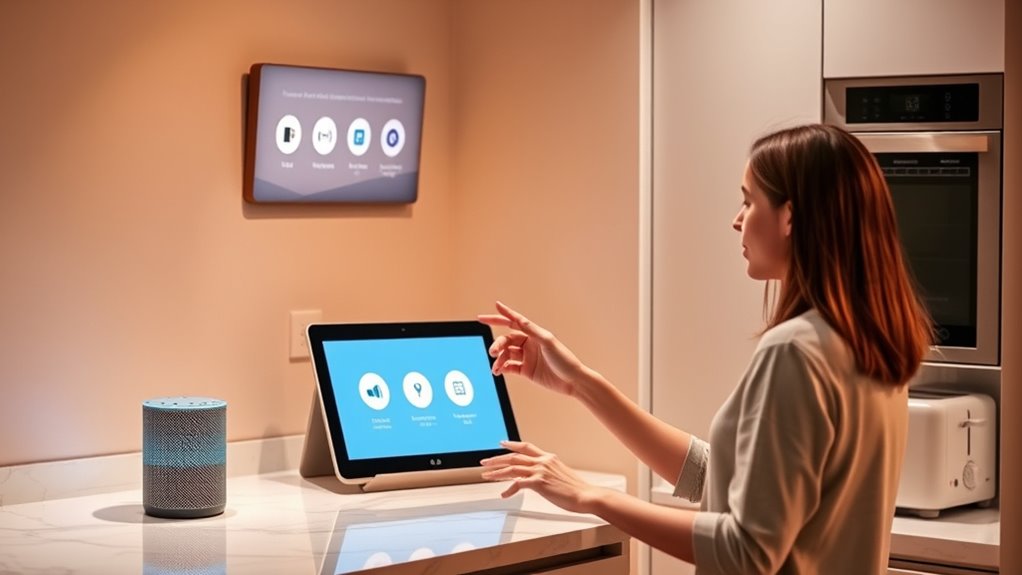

To maximize convenience with Alexa and Google Assistant in your kitchen, start by properly setting up and placing your devices for clear responses. Use voice commands to manage shopping lists, control appliances, and set timers easily. Enjoy hands-free entertainment like music and podcasts to stay engaged. Link your calendar and reminders to stay organized with meal plans. If you keep your devices updated and speak clearly, you’ll optimize performance—and there’s more tips to make your kitchen smarter.

Get kitchen gear delivered free with Prime
- Fast, free delivery on millions of items
- Prime Video, Amazon Music and more included
- Member-only deals all year
Key Takeaways
- Properly set up and position devices for optimal responsiveness and sound clarity in your kitchen.
- Integrate smart appliances and automate routines for hands-free control and efficiency.
- Use voice commands to manage shopping lists, recipes, timers, and reminders effortlessly.
- Create curated playlists and podcasts to enhance the cooking experience and entertainment.
- Troubleshoot connectivity and software issues by checking internet, updating firmware, and using clear commands.
Setting Up Your Smart Kitchen Devices
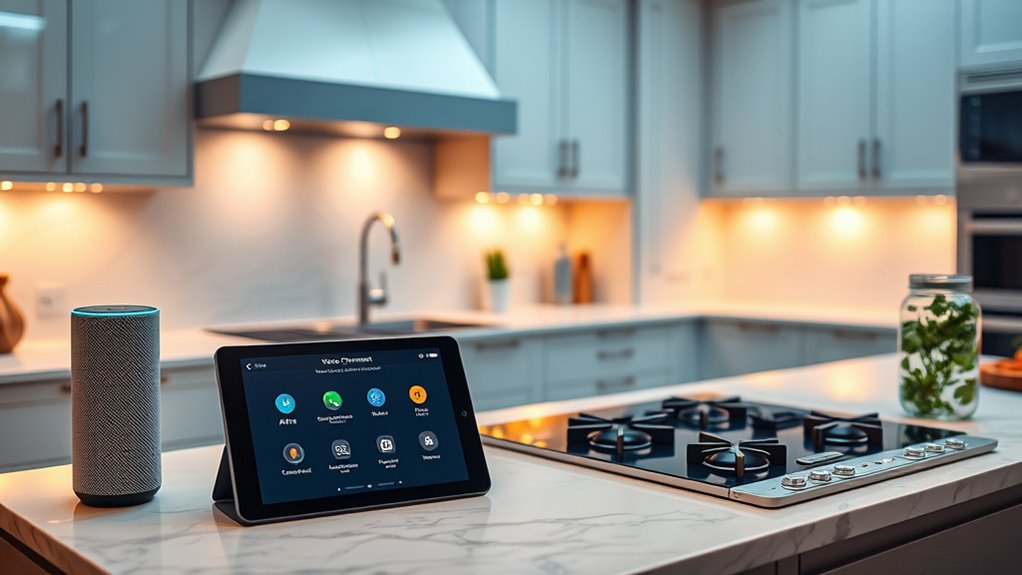
To get started with your smart kitchen devices, you first need to set them up properly. Begin by connecting each device to your Wi-Fi network and make certain they’re compatible with your chosen assistant, whether Alexa or Google Assistant. During setup, focus on smart home integration; linking your devices to your smart home ecosystem ensures seamless control. Pay attention to voice recognition accuracy by calibrating microphones and teaching your assistant to recognize your voice commands clearly. This step minimizes miscommunication and enhances your overall experience. Additionally, exploring smart home ecosystems can help you choose compatible devices that work effortlessly together, providing a more comprehensive smart kitchen setup. Understanding local automation options can further customize your device interactions and routines for optimal efficiency. Follow the manufacturer’s instructions carefully to complete the setup process. Once everything is connected and configured correctly, you’ll enjoy smooth integration and reliable voice command functionality, making your kitchen smarter and more efficient.
Creating and Managing Shopping Lists With Voice Commands

Creating and managing shopping lists with voice commands makes grocery planning more convenient and efficient. With Alexa or Google Assistant, you can add items to your list simply by speaking, making smart shopping easier. Just say, “Add milk to my shopping list,” and it’s done. These voice assistants automatically organize your list, helping you keep track of what you need without manual entry. As you shop, you can review and update your list on your device, ensuring it stays current. Voice commands save time and reduce the hassle of handwritten or digital list management. Utilizing passive voice detection features, you’ll experience smoother shopping trips and better list organization, making your kitchen routine more streamlined and stress-free. Additionally, these systems can integrate with your home automation setup to enhance overall convenience.
Streamlining Meal Prep With Recipe Assistance

Using Alexa or Google Assistant during meal prep can considerably simplify your cooking process by providing instant recipe guidance. When you’re in the middle of preparing a dish, these assistants can quickly give you ingredient substitutions if you’re missing something, saving you a trip to the store. They can also deliver detailed nutritional information, helping you make healthier choices or meet specific dietary goals. Simply ask for step-by-step instructions, and you’ll get clear, hands-free directions to follow. If a recipe calls for an ingredient you don’t have, the assistant can suggest suitable alternatives, keeping your meal on track. This seamless assistance streamlines your prep, reduces guesswork, and keeps your cooking efficient and enjoyable. Additionally, integrating smart appliances with voice assistants can automate certain tasks, further enhancing your kitchen efficiency. Moreover, these voice-controlled devices can create shopping lists, so you can easily keep track of ingredients you need to buy next time. Using voice commands can also help you control multiple devices simultaneously, making multitasking even easier. Incorporating voice-enabled technology into your kitchen setup can also improve overall safety by allowing you to keep your hands free while managing appliances or timers.
Controlling Kitchen Appliances Hands-Free
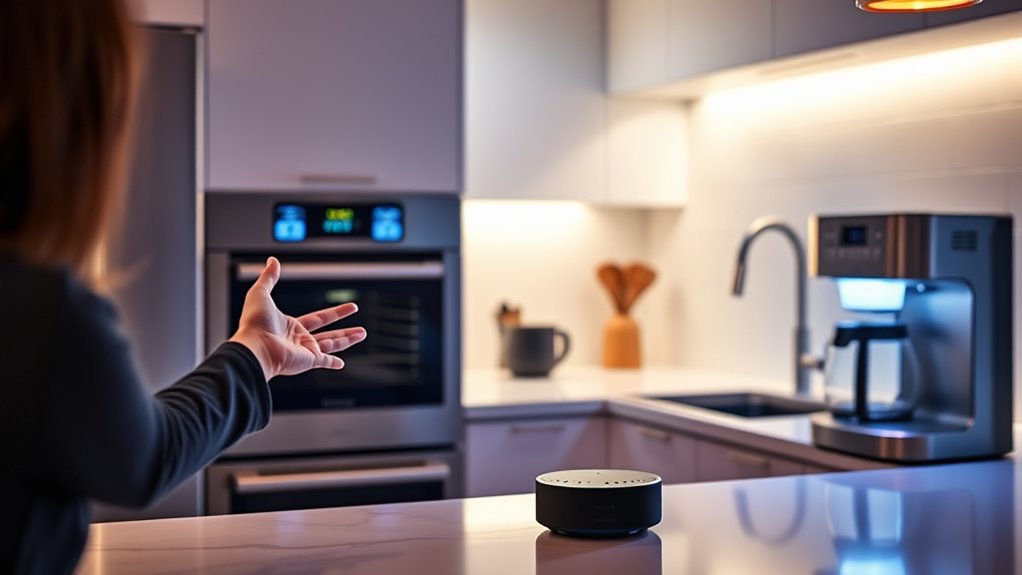
Controlling kitchen appliances hands-free allows you to focus on cooking without interrupting your workflow. With voice-activated lighting, you can easily adjust brightness or turn lights on and off as needed, keeping your hands free for prep work. Smart kitchen security features let you monitor your appliances or check security cameras with simple commands, ensuring safety while cooking. You can ask Alexa or Google Assistant to start your coffee maker, turn on the oven, or activate other compatible devices without touching a button. This seamless control keeps your kitchen organized and efficient. Additionally, voice commands help maintain cleanliness by reducing the need to handle switches or buttons with messy hands, making your cooking experience smoother and more convenient. Voice-controlled technology enhances safety and independence for many caregivers and seniors alike.
Using Voice Commands to Set Timers and Alarms
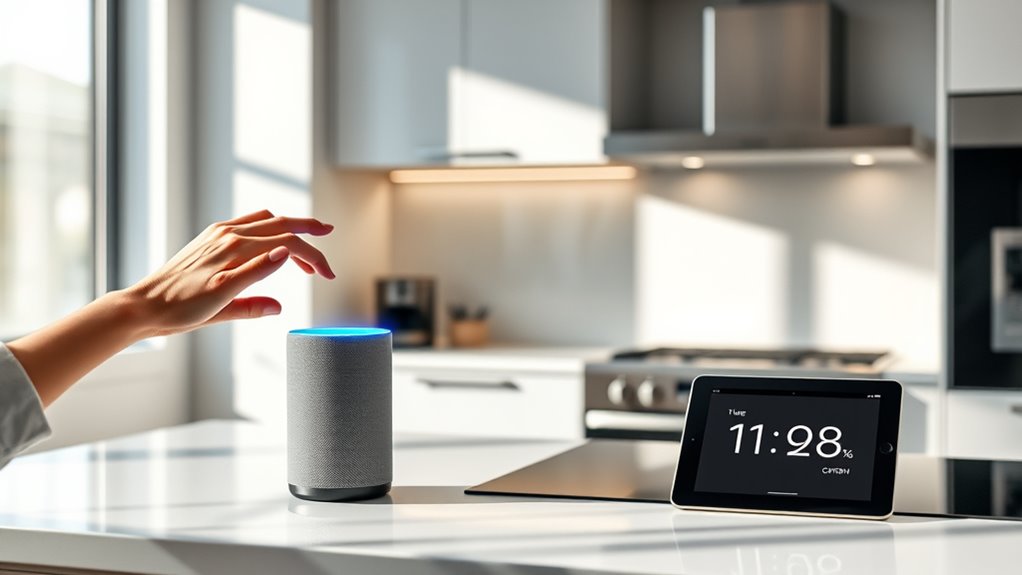
Once your appliances are set in motion with voice commands, managing cooking times becomes even easier. Using voice commands to set timers and alarms is straightforward, thanks to high voice command accuracy. You can specify precise durations or customize alarms with different sounds and labels. For example, you might say, “Alexa, set a 15-minute timer,” or “Hey Google, create an alarm for 6:00 AM with a chime.” To visualize, here’s how your commands can be tailored:
| Timer/Alarm Type | Voice Command Example | Customization Options |
|---|---|---|
| Simple Timer | “Set a timer for 20 mins” | Duration only |
| Specific Alarm | “Alarm at 7 AM” | Time, sound, label |
| Custom Alarm | “Set a kitchen alarm with chime” | Sound, label, repeat |
| Multiple Timers | “Start two timers for 10 and 15 mins” | Multiple commands |
| Alarm Labels | “Alarm labeled ‘Check oven’” | Personalized labels |
This makes managing cooking and wake-up routines seamless.
Playing Music and Podcasts to Enhance Cooking Time
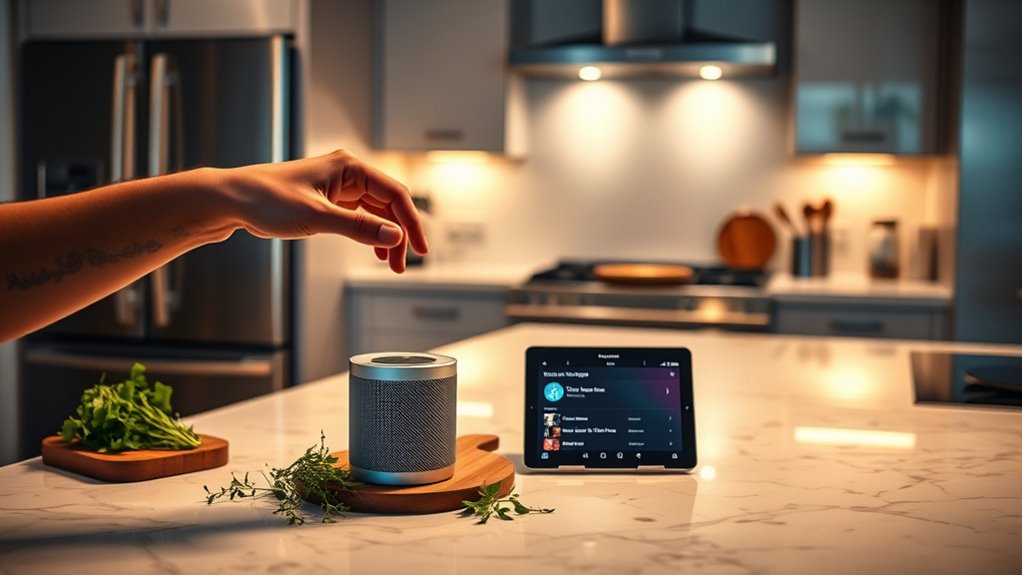
With voice commands, you can easily play your favorite music or podcasts while cooking without missing a beat. Curate playlists that match your mood or recipe, making your kitchen feel lively and personalized. This way, you can multitask seamlessly and keep your energy up throughout your culinary tasks. Additionally, integrating smart home devices can streamline your kitchen activities, creating a more efficient and enjoyable cooking environment. Being aware of your kitchen environment can also help you adjust lighting and sounds to improve your cooking experience. Utilizing home automation features can further enhance this setup, allowing for customized routines that make your time in the kitchen even more convenient. Incorporating voice-controlled appliances can also help you manage multiple tasks hands-free, boosting your overall kitchen efficiency.
Voice Commands for Playback
Using voice commands to play music and podcasts can make your time in the kitchen more enjoyable and efficient. To do this, you need to utilize the correct voice command syntax, which varies slightly between Alexa and Google Assistant. For example, you might say, “Alexa, play jazz music,” or “Hey Google, play my favorite podcast.” Keep in mind that voice command privacy is important—review the privacy settings to control when and how your voice data is stored. Speak clearly and directly to ensure your device understands your requests. You can also specify playlists or stations for a more tailored experience. Additionally, understanding the Free Floating environment can help you optimize your smart device placement for better sound quality and responsiveness. Proper device placement can enhance the effectiveness of your commands and improve overall sound clarity. Using these simple commands, you can effortlessly set the perfect soundtrack to enhance your cooking and cleanup routines.
Curating Perfect Playlists
Creating the perfect playlist for your kitchen sessions can greatly boost your cooking experience. With smart assistants, you can effortlessly manage your music curation and playlist organization. Choose songs or podcasts that match your mood or task, making cooking more enjoyable. Use voice commands to add tracks or switch playlists instantly, keeping your hands free. To keep things organized, create themed playlists for different cooking moods—upbeat for prep, relaxing for simmering. Here’s an example of playlist categories:
| Mood/Theme | Playlist Name |
|---|---|
| Upbeat | “Cooking Jams” |
| Relaxing | “Chill & Cook” |
| Focused | “Chef’s Focus” |
| Fun & Festive | “Party Prep” |
This approach guarantees your music curation remains simple and effective, enhancing your kitchen time. For those interested in self-sufficiency, curating playlists can be part of a larger preparedness strategy to make daily routines more enjoyable and efficient. Additionally, using voice-controlled smart speakers can be particularly helpful when managing other kitchen appliances like garage door openers, making your cooking experience even more seamless. Implementing a free online tool to convert text styles can also help you organize your playlists’ descriptions or labels with consistent formatting, saving time and maintaining clarity.
Multitasking During Cooking
Multitasking during cooking becomes effortless when you play music or podcasts through your smart assistant, transforming the kitchen into an engaging workspace. As you cook, your assistant can provide recipe customization tips or suggest ingredient substitutions, keeping you informed without interrupting your flow. Listening to your favorite playlist can boost your energy, while podcasts about cooking techniques or food trends make the process more enjoyable. You can easily ask Alexa or Google Assistant to add new songs, find specific recipes, or adjust your playlist based on your mood. This seamless integration helps you stay focused on your tasks while enhancing your culinary experience. With smart assistants, multitasking during cooking becomes both efficient and entertaining, making your time in the kitchen truly enjoyable.
Integrating Calendar and Reminders for Meal Planning
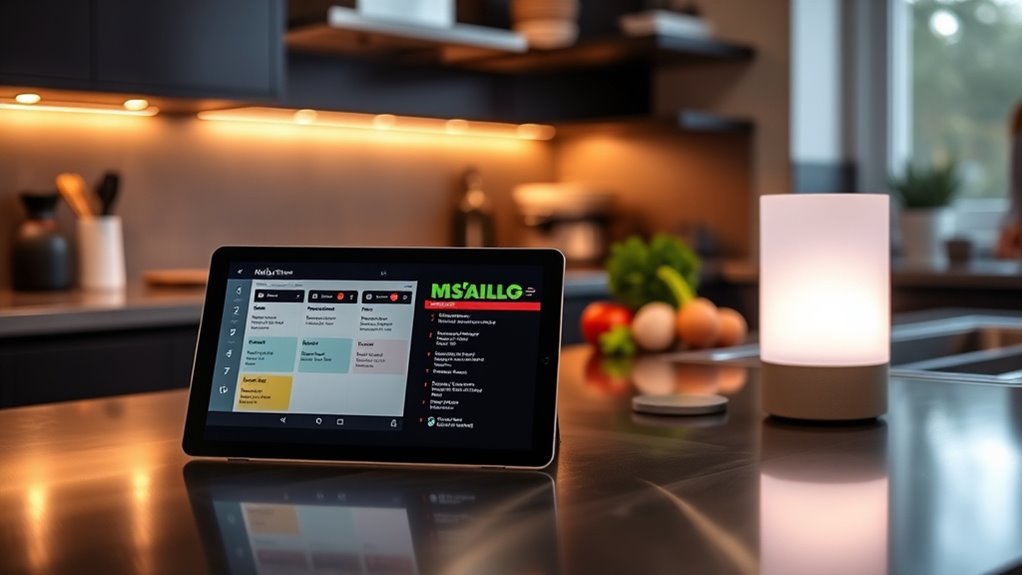
Integrating your calendar and reminders with Alexa or Google Assistant can streamline your meal planning process and help you stay organized. By linking your calendar, you can set reminders for meal prep, grocery shopping, or special occasions. This guarantees you never miss an important step or event. Using calendar integration, you can schedule weekly meal plans and receive alerts when it’s time to start preparing. Here’s a quick comparison:
| Feature | Benefit |
|---|---|
| Calendar Sync | Stay updated on meal planning |
| Reminders | Never forget grocery runs |
| Meal Prep Alerts | Stay on schedule |
This setup keeps your meal planning efficient, minimizes last-minute stress, and simplifies managing your weekly menu.
Troubleshooting Common Issues With Alexa and Google Assistant

If your devices aren’t responding as expected, start by checking your internet connection and ensuring your smart speakers are properly connected. Sometimes, voice commands need to be clearer or rephrased for better understanding. Addressing these common issues can help you get the most out of Alexa and Google Assistant in your kitchen.
Connectivity Troubleshooting Tips
Connectivity issues with Alexa and Google Assistant can be frustrating, but many problems stem from simple troubleshooting steps. First, check your Wi Fi stability; a weak or intermittent signal can disrupt device communication. Restart your router and move your devices closer to the Wi Fi source if needed. Also, ensure your smart devices are compatible with your voice assistant’s current software version, as outdated firmware can cause connectivity failures. Verify that your devices are connected to the same Wi Fi network to prevent conflicts. If problems persist, try disconnecting and reconnecting your devices or resetting your smart speaker or display. Keeping your Wi Fi stable and ensuring device compatibility are key to maintaining seamless connectivity and enjoying your voice assistant’s full potential in the kitchen.
Voice Command Corrections
Have you ever spoken a command to Alexa or Google Assistant only to have it misunderstood or ignored? When that happens, voice command corrections are your best tool. First, verify your smart device calibration is accurate by checking microphone settings and re-training voice recognition if available. Clear, specific commands help your device understand your requests better. If it continues to struggle, try speaking more slowly or rephrasing your command. Using the device’s app to adjust voice recognition settings can improve accuracy over time. Regularly updating your device’s software also helps prevent miscommunications. Remember, consistent calibration and clear commands reduce errors, making your smart kitchen experience smoother and more reliable. Voice command corrections empower you to troubleshoot quickly and keep your devices working seamlessly.
Frequently Asked Questions
How Secure Is My Voice Data With Alexa and Google Assistant?
Your voice data security with Alexa and Google Assistant depends on their privacy measures, but privacy concerns remain. Both companies encrypt data and offer controls to delete recordings, yet some risk exists. You can improve security by reviewing privacy settings and limiting voice data sharing. Stay informed about updates and be cautious about what you ask, ensuring your voice data stays protected while enjoying smart kitchen convenience.
Can I Customize Voice Commands for Specific Kitchen Tasks?
Yes, you can customize voice commands for specific kitchen tasks with Alexa and Google Assistant. By setting up voice command customization, you make kitchen task automation easier and more efficient. You can create personalized commands for things like setting timers, adjusting smart appliances, or playing recipes. This way, your voice assistant adapts to your needs, streamlining your cooking process and making your kitchen experience more seamless and convenient.
Are There Privacy Concerns When Using Smart Kitchen Devices?
Think of your smart kitchen devices as a friendly neighbor, always keen to help but occasionally listening in. Yes, there are privacy risks and data collection concerns, especially if your devices inadvertently pick up sensitive conversations. To protect yourself, review privacy settings regularly and disable features you don’t use. Staying vigilant ensures your smart kitchen remains a helpful tool rather than a privacy breach.
How Do I Update or Reset My Voice Assistant Devices?
To update or reset your voice assistant devices, start by checking the device firmware in the app settings, then follow prompts to update if needed. For resetting, hold the reset button or use voice commands like “Hey Google, reset my device.” After resetting, you might need to retrain your voice for better accuracy. Voice training helps your device recognize your commands more precisely, ensuring smooth operation after updates or resets.
Can Multiple Users Have Personalized Profiles on These Devices?
Did you know that over 80% of smart home users value personalized experiences? Yes, multiple users can have their own profiles on Alexa and Google Assistant, allowing voice personalization. This means each person gets tailored responses, playlists, and reminders. You simply set up user profiles, and the devices recognize individual voices. It’s a seamless way to keep everyone’s preferences separate while enjoying the convenience of a smart assistant in your kitchen.
Conclusion
By harnessing Alexa and Google Assistant, your kitchen becomes a symphony of convenience, turning chaos into harmony. With simple voice commands, you’ll breeze through meal prep, stay organized, and enjoy entertainment—all hands-free. Think of your smart devices as your culinary co-pilots, guiding you through every step. Embrace this technology, and watch your kitchen transform into a modern marvel—where convenience is just a voice command away.
Fall Picks
fall essentials
As an affiliate, we earn on qualifying purchases.