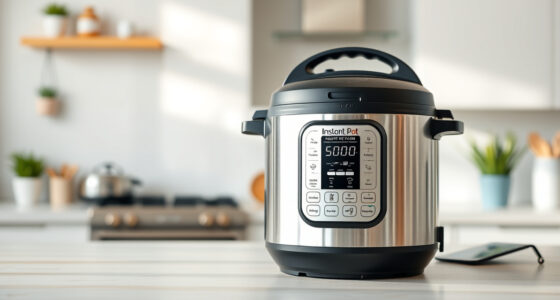
To keep your smart kitchen running smoothly, follow a regular maintenance routine that includes cleaning appliances and screens to prevent dust buildup, updating firmware and apps promptly for peak performance and security, and troubleshooting issues quickly to avoid bigger problems. Check Wi-Fi connections and device settings often, and reset devices if they become sluggish or unresponsive. Staying proactive with these simple steps ensures your smart kitchen functions efficiently—continue with these practices to learn more about perfect upkeep.
Key Takeaways
- Regularly clean appliances and screens to prevent dust, grease buildup, and ensure optimal performance.
- Keep firmware and apps updated promptly for security and access to new features.
- Check and secure Wi-Fi networks, changing passwords and enabling encryption to protect devices.
- Perform routine system resets on devices experiencing sluggishness or connectivity issues.
- Periodically review device settings and disable unnecessary features to optimize security and functionality.
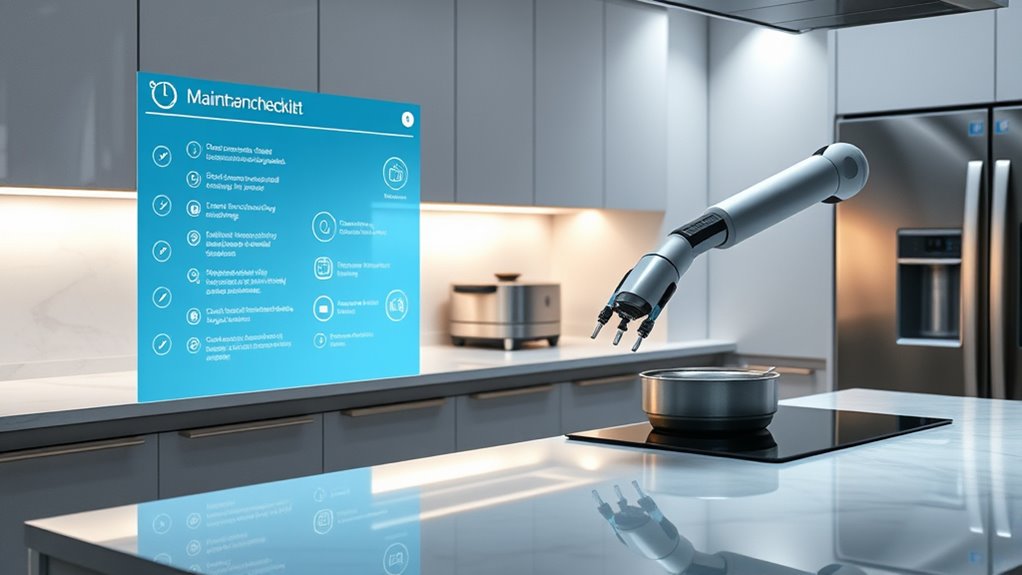
Keeping your smart kitchen running smoothly requires regular maintenance, just like any other high-tech space. One of the most important aspects is staying on top of appliance troubleshooting. When your smart appliances act up—whether it’s a refrigerator not cooling properly, a smart oven refusing to connect, or a coffee maker that won’t brew—you need to act quickly. Start by checking power sources and Wi-Fi connections, as many issues stem from simple glitches. Reset the device if necessary, and consult the manufacturer’s troubleshooting guide for specific steps. Keeping an eye on firmware updates is essential, as they often fix bugs and improve functionality. Regularly inspecting your appliances helps prevent minor issues from turning into costly repairs. Additionally, maintaining digital security tips is critical to protect your smart kitchen from cyber threats. Change default passwords immediately upon setup, and use strong, unique passwords for each device. Enable two-factor authentication where possible, and keep your Wi-Fi network secure with a robust password and encryption. Regularly update your router’s firmware and ensure your smart appliances are running the latest software versions. This minimizes vulnerabilities that hackers could exploit. Segmenting your network by creating a separate Wi-Fi guest network for your smart devices adds an extra layer of security, isolating them from your primary devices like computers and smartphones. It’s also wise to disable unnecessary features or remote access options that you don’t use, reducing potential attack points. Staying vigilant with your digital security tips not only safeguards your personal data but also helps maintain the integrity of your smart kitchen system. In addition to troubleshooting and security, routine updates are critical—keep all your smart devices’ firmware and apps current to benefit from the latest features and security patches. Regularly reviewing your device settings ensures everything remains optimized for performance and safety. Cleaning your appliances and screens regularly helps prevent dust and grease buildup, which can interfere with sensors and connectivity. Make it a habit to check for and install updates, and perform system resets if you notice sluggish performance or connectivity issues. Remember, a proactive approach to maintenance extends the lifespan of your devices and keeps your smart kitchen functioning at its best. By combining appliance troubleshooting with diligent digital security practices, you’ll create a safer, more reliable smart kitchen environment that simplifies cooking and enhances convenience. Regular upkeep, updates, and security checks are key to guaranteeing your high-tech kitchen continues to serve you well for years to come. Vetted

Instant Pot Duo 7-in-1 Mini Electric Pressure Cooker, Slow Rice Cooker, Steamer, Sauté, Yogurt Maker, Warmer & Sterilizer, Includes Free App with over 1900 Recipes, Stainless Steel, 3 Quart
7 Cooking Functions: Pressure cook, slow cook, sauté, steam, make rice, yogurt, or simply keep your meal warm—all...
As an affiliate, we earn on qualifying purchases.
Frequently Asked Questions
How Often Should I Update My Smart Kitchen Devices?
You should update your smart kitchen devices at least once every few months to guarantee peak performance and security. The software update frequency depends on the device, but generally, check for updates monthly or quarterly. This helps extend the smart device lifespan by fixing bugs and adding new features. Regular updates keep your devices running smoothly and protect your data, so don’t skip these important maintenance steps.
What Are Common Signs of Smart Appliance Malfunction?
You’ll notice your smart appliances malfunctioning if they become unresponsive or show error messages. Signs include slow performance, unexpected shutdowns, or inconsistent operation, which can hint at issues with the appliance lifespan or outdated firmware updates. Regularly checking for firmware updates helps prevent malfunctions, ensuring your devices run smoothly. If problems persist despite updates, it might be time to replace the appliance or call in support.
Can I Automate Cleaning Schedules for Smart Appliances?
Yes, you can automate cleaning schedules for your smart appliances. Imagine robotic cleaners working seamlessly, responding to your voice commands to start or pause cleaning sessions. With voice command scheduling, you set routines effortlessly, ensuring your kitchen stays spotless without lifting a finger. This automation not only saves time but keeps your appliances running efficiently, giving you peace of mind and a cleaner, smarter kitchen every day.
Are There Safety Tips for Maintaining Smart Kitchen Gadgets?
To keep your smart kitchen gadgets safe, always follow safety precautions like unplugging devices before cleaning or servicing them. Be mindful of electrical hazards by avoiding water contact with electrical parts and ensuring cords are in good condition. Regularly inspect for damage, and use manufacturer-recommended cleaning methods. Keep gadgets away from heat sources, and don’t overload outlets. These steps help prevent accidents and make sure your devices stay in top shape.
How Do I Troubleshoot Connectivity Issues in My Smart Kitchen?
Imagine your smart fridge blinking softly, yet refusing to connect. You should first check for Wi-Fi interference—move your router closer or away from other electronics. Then, try firmware troubleshooting: restart your devices, update the firmware to the latest version, and reset connections if needed. These steps help clear glitches, restoring smooth communication. With patience, you’ll regain control, ensuring your smart kitchen runs seamlessly again.

Instant Pot Duo 7-in-1 Electric Pressure Cooker, Slow Cooker, Rice, Steamer, Sauté, Yogurt Maker, Warmer & Sterilizer, Includes App With Over 800 Recipes, Stainless Steel, 6 Quart
7 Cooking Functions: Pressure cook, slow cook, sauté, steam, make rice, yogurt, or simply keep your meal warm—all...
As an affiliate, we earn on qualifying purchases.
Conclusion
By staying consistent with this smart kitchen maintenance checklist, you’re not just tidying up—you’re nurturing a sanctuary where technology and taste seamlessly blend. Imagine your kitchen as a well-tended garden, each task a gentle watering that keeps everything thriving and humming smoothly. When you clean, update, and repeat, you’re cultivating a space that feels alive, vibrant, and ready to serve your culinary adventures. Keep this rhythm, and your smart kitchen will always be a masterpiece in motion.

Instant Pot Duo Plus 9-in-1 Multicooker, Pressure Cooker, Slow Cook, Rice Maker, Steamer, Sauté, Yogurt, Warmer & Sterilizer, Includes App with Over 800 Recipes, Stainless Steel, 6 Quarts
9 Cooking Functions: Pressure cook, slow cook, sauté, sous vide, steam, sterilize, keep warm, make rice and yogurt—all...
As an affiliate, we earn on qualifying purchases.

Walfos Silicone Trivet Mats - 4 Heat Resistant Pot Holders, Multipurpose Non-Slip Hot Pads for Kitchen Potholders, Hot Dishers, Jar Opener, Spoon Holder, Food Grade Silicone & BPA Free (Black)
NON-SLIP AND HIGH HEAT RESISTANT: These trivets for hot dishes are heat-resistant from -104℉ to 446℉, Protect your...
As an affiliate, we earn on qualifying purchases.