Your Instant Pot displays “Burn” when it detects uneven heating or food sticking to the bottom, often caused by insufficient liquid, residue buildup, or improper sealing. Thick sauces, sticky ingredients, or overfilling can also trigger the warning. Ensuring enough liquid, cleaning the pot regularly, and sealing the lid properly are key. If you keep experiencing this issue, more tips to avoid it are just ahead.
Key Takeaways
- The “Burn” warning appears due to uneven heating, food sticking, or insufficient liquid in the inner pot.
- Thick sauces, sticky ingredients, or recipes lacking enough moisture increase burning risk.
- Overfilling the pot blocks steam circulation, leading to pressure buildup and burning.
- Improper lid sealing or clogged pressure release valves can cause overheating and trigger the warning.
- Regular cleaning, correct ingredient management, and ensuring proper liquid levels prevent “Burn” errors.
Understanding the “Burn” Warning on Your Instant Pot

Have you ever wondered what causes your Instant Pot to display the “Burn” warning? Understanding this alert is key to effective Instant Pot troubleshooting and maintaining safe cooking practices. The “Burn” message typically appears when the device detects that food or liquid isn’t heating evenly or if food is sticking to the bottom of the pot. It’s a safety feature designed to prevent overheating and potential damage. To avoid this, ensure you follow proper cooking safety tips, like adding enough liquid, stirring ingredients before sealing, and preventing food from scorching. Recognizing these signs helps you address issues quickly and keeps your cooking safe. Familiarizing yourself with why the “Burn” warning appears allows you to troubleshoot effectively and enjoy your Instant Pot without unnecessary interruptions. Incorporating smart kitchen device management can also help in managing your Instant Pot more efficiently and securely.
Common Causes of the “Burn” Message

One common cause of the “Burn” message is insufficient liquid in the pot, which prevents proper heat distribution and can lead to food sticking and burning. Without enough liquid, the Instant Pot’s heating element can overheat, compromising Instant Pot safety and triggering the warning. This issue often occurs during pressure cooking or when sautéing without added liquids. To avoid this, always ensure there’s adequate liquid according to your recipe or user manual. Proper liquid levels promote even cooking and prevent food from scorching on the bottom. Regularly checking the liquid level and maintaining proper operation can help you prevent the “Burn” warning. Ensuring your device maintenance is up to date and following common troubleshooting tips can help you prevent the “Burn” warning. Staying attentive to liquid amounts is essential for safe operation and maintaining the longevity of your Instant Pot.
Food Sticking to the Bottom of the Pot

Food can stick to the bottom of your Instant Pot if there’s sticky residue build-up or not enough liquid. This can cause burning and trigger the warning message. Ensuring a clean surface and sufficient liquid helps prevent this issue. Additionally, using proper cooking techniques can minimize the risk of food adhering to the pot’s bottom. Regularly inspecting and maintaining your Instant Pot, including checking for residue buildup, can also help keep it functioning properly. Familiarity with instant pot safety features can also help you troubleshoot and avoid errors like “Burn.” Maintaining proper liquid levels is essential for safe and effective pressure cooking. Being aware of the pressure release process can also prevent common errors and ensure safe operation.
Sticky Residue Build-up
Sticky residue often forms at the bottom of your Instant Pot because food and liquids can burn or stick during cooking, especially if there’s insufficient liquid or if the pot isn’t stirred properly. This residue buildup creates sticky residues that can interfere with future cooking and trigger the “Burn” warning. When food sticks, it’s usually due to high heat and direct contact with the pot’s surface, causing it to caramelize and adhere. To prevent this, make sure to add enough liquid and stir ingredients well before sealing the lid. Regular cleaning also helps remove any leftover sticky residues that might accumulate over time. Keeping the bottom of your Instant Pot clean and free of residue buildup minimizes the chances of triggering the burn error during subsequent cook cycles.
Insufficient Liquid Levels
Have you noticed that your Instant Pot tends to burn or stick at the bottom during cooking? This often happens due to insufficient liquid levels, which can cause food to stick and trigger the burn warning. To prevent this, verify you’re adding enough liquid according to the recipe’s measurement guidelines. Adjustments might be necessary, especially if you’re modifying recipes or ingredient quantities. Here’s a quick reference:
| Ingredient Type | Minimum Liquid Measurement |
|---|---|
| Rice or Grains | 1 cup water per cup rice |
| Vegetables | ½ cup water or broth |
| Meats | ½ to 1 cup liquid, depending on cut |
| Soups/Stews | Usually require full liquid |
| Thickened Sauces | Add extra water for safety |
Always check and adapt recipe adjustments to maintain proper liquid levels and avoid sticking. Additionally, understanding pressure cooker safety can help prevent common issues like burning. Proper liquid measurements are essential for reliable pressure cooking results.
Insufficient Liquid Levels

If your Instant Pot displays a “Burn” warning, it might be because there isn’t enough liquid in the pot. Make sure to check the liquid amounts and add more broth if needed, especially for recipes with thick sauces. Avoid thick sauces that can stick to the bottom, and always verify there’s sufficient liquid to prevent burning. Monitoring auditory feedback during cooking can also help detect issues early and prevent burn errors. Additionally, ensuring proper pressure buildup can help maintain even cooking and reduce the risk of burning. Maintaining adequate liquid levels is essential for safe and successful Instant Pot operation. Using the right cooking techniques can further prevent the “Burn” message and ensure consistent results. Regularly checking the manufacturers’ guidelines for your specific model can also help optimize cooking and prevent errors.
Check Liquid Amounts
Wondering why your Instant Pot displays the “Burn” message? It’s often due to insufficient liquid measurement. Without enough cooking liquid, the device can’t generate the steam needed for proper pressure. Check your liquid levels before starting, especially if you notice the “Burn” warning early in cooking. Here are some tips:
- Ensure you’re adding the recommended amount of liquid for your recipe.
- Use a clear measuring cup to verify the cooking liquid is adequate.
- Remember that some ingredients release moisture, but not enough to meet the minimum requirement.
- Avoid overfilling the pot, which can also cause issues with liquid levels.
- Proper liquid measurement is essential for safe and effective pressure cooking.
- Always consult your Instant Pot’s user manual for specific liquid requirements based on your model and recipe.
- Keeping the liquid level within the recommended range helps prevent the “Burn” message and promotes even cooking.
- Additionally, proper sealing of the lid ensures that pressure builds correctly, preventing the “Burn” warning from appearing.
- Maintaining consistent liquid levels throughout cooking can help avoid the “Burn” message and improve overall results.
Avoid Thick Sauces
Thick sauces can cause your Instant Pot to display the “Burn” warning because they often lack enough liquid to prevent burning. When sauce consistency is too dense, it doesn’t generate sufficient steam to evenly cook or prevent sticking. Ingredient selection plays a key role—avoid heavily thickened or starchy ingredients that absorb or thicken the sauce excessively. Instead, opt for ingredients that release moisture or add extra liquid, ensuring the mixture remains somewhat fluid. If your sauce is thick, consider thinning it with broth, water, or other liquids before pressure cooking. Keeping the sauce from becoming too dense helps maintain proper heat distribution and prevents the pot from overheating or burning. Proper sauce consistency and ingredient choices are essential to avoiding this common issue.
Add More Broth
Have you added enough liquid to your Instant Pot? Insufficient liquid levels can trigger the “Burn” warning. To fix this, try adding more broth or water to guarantee the pot has enough moisture to prevent scorching. Adjusting liquid levels is vital, especially for recipes that tend to stick or thicken quickly. Here are some tips:
- Always check the minimum liquid requirement for your specific model.
- Add extra broth if you notice the ingredients are sticking or the pot is nearly dry.
- Avoid filling the pot beyond the maximum fill line to prevent pressure issues.
- Use a clear liquid like broth or water, which helps distribute heat evenly and prevents burning.
Adding more broth and adjusting liquid levels correctly can help you avoid the “Burn” message and guarantee your meal cooks perfectly.
Using the Wrong Type of Ingredients
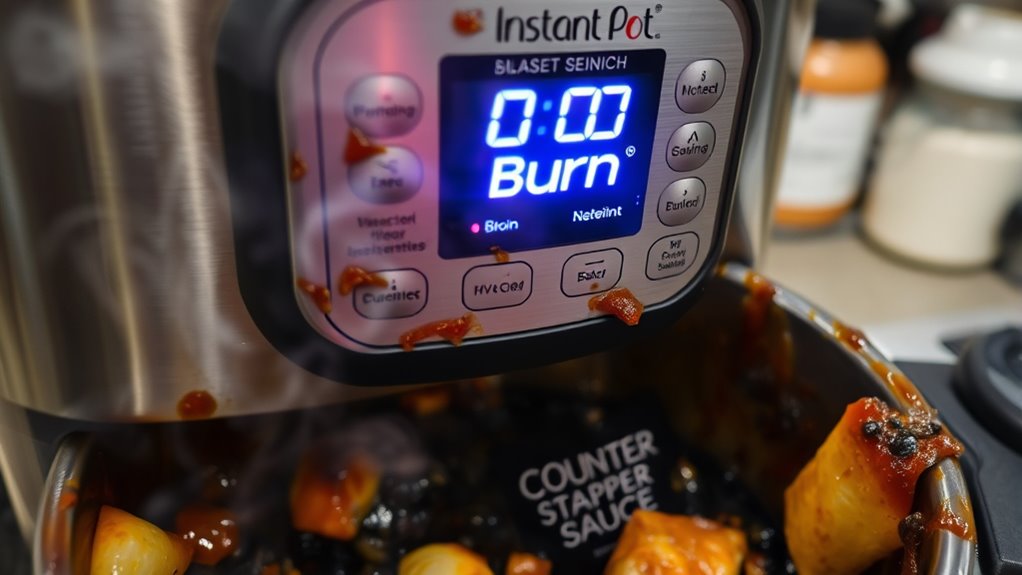
Did you know that using the wrong type of ingredients can cause your Instant Pot to display a “Burn” warning? Ingredients like thick pastes, heavy sauces, or sticky foods can stick to the bottom and trigger this alert. To prevent this, choose seasoning choices wisely and avoid ingredient substitutions that create excessive residue. For example, using too much tomato paste or sugary sauces can cause burning. Always layer ingredients carefully, especially sticky or thick ones. Here’s a quick comparison:
| Ingredient Type | Effect on Cooking | Tips |
|---|---|---|
| Thick sauces | May stick and burn | Use in moderation, add more liquid |
| Sticky foods | Can cause residue | Deglaze often |
| Sugary ingredients | Risk burning | Use less or dilute |
| Fresh vegetables | Less likely to burn | Ensure even layering |
| Broths & liquids | Prevents sticking | Keep enough liquid on bottom |
Overfilling the Inner Pot
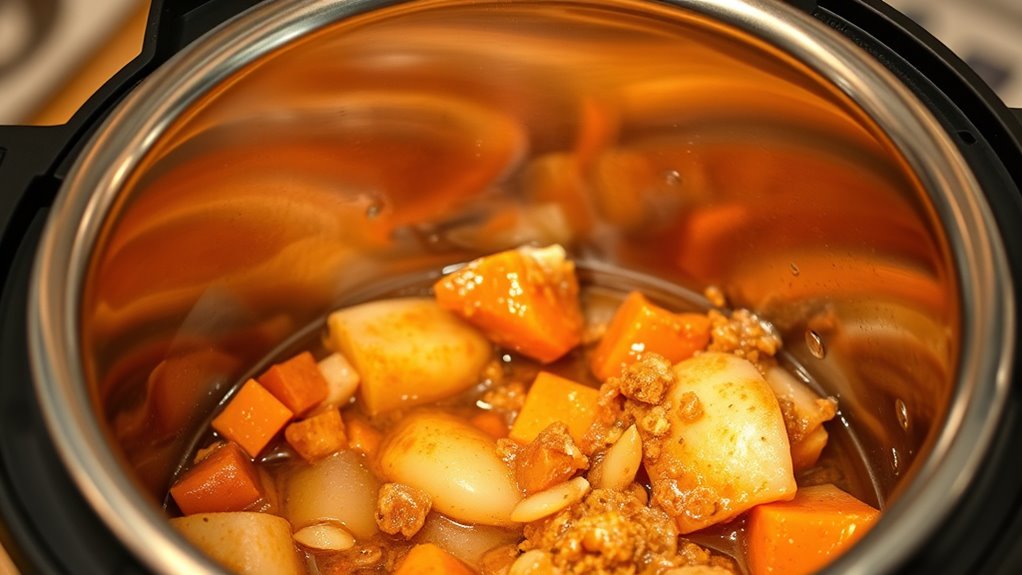
Overfilling your Instant Pot is a common mistake that can lead to the “Burn” warning. When you stuff the overfilled inner pot, it prevents proper pressure buildup and can cause ingredients to stick or scorch. An overfilled inner pot leaves little room for steam to circulate, increasing the risk of uneven cooking and improper ingredient layering. To avoid this, follow the maximum fill lines and don’t go beyond them, especially when cooking foods that expand, like beans or rice.
- Overfilled inner pot blocks steam release
- Creates uneven heat distribution
- Causes ingredients to stick and burn
- Hampers proper pressure buildup
Incorrect Sealing of the Lid

Improperly sealing the lid is a common cause of the “Burn” warning on your Instant Pot. If the lid isn’t sealed correctly, pressure can’t build up properly, leading to incomplete cooking and the alert. To guarantee proper lid sealing, make sure the silicone ring is correctly positioned and the lid is securely locked in place. Check that the sealing ring isn’t damaged or loose, as this can prevent an airtight seal. When the lid is sealed properly, the pressure builds up as intended, allowing your recipes to cook evenly. If the lid isn’t sealed tight, steam escapes and the Instant Pot detects insufficient pressure, triggering the “Burn” message. Always double-check the lid’s position before starting your cooking cycle.
Issues With the Pressure Release Valve
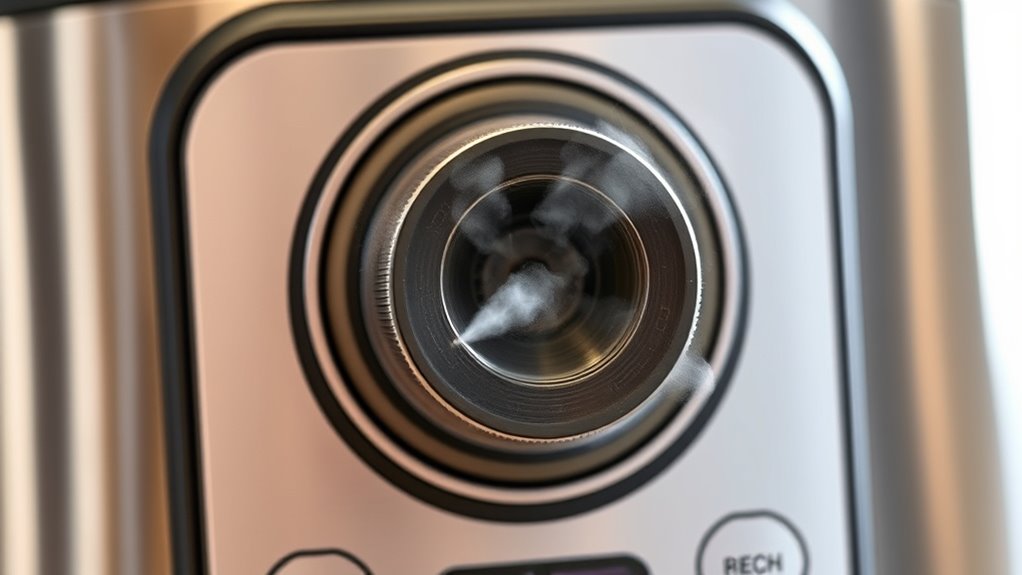
Have you checked the pressure release valve lately? A clogged or stuck valve can cause pressure build-up, leading your Instant Pot to display a “burn” warning. When the pressure release isn’t functioning properly, it may result in a valve malfunction that traps excess steam inside. This can cause overheating and the burn message to appear. To prevent this, inspect the valve for any debris or blockages.
Check the pressure release valve regularly to prevent pressure build-up and avoid the burn warning.
- Make sure the valve moves freely and isn’t stuck
- Clean any food residue or buildup around the valve
- Confirm the valve is seated correctly
- Replace the valve if it shows signs of damage or persistent malfunction
Regularly checking and maintaining the pressure release ensures safe, efficient cooking and helps avoid the “burn” error caused by pressure release issues.
The Role of Thick Sauces and Pastes
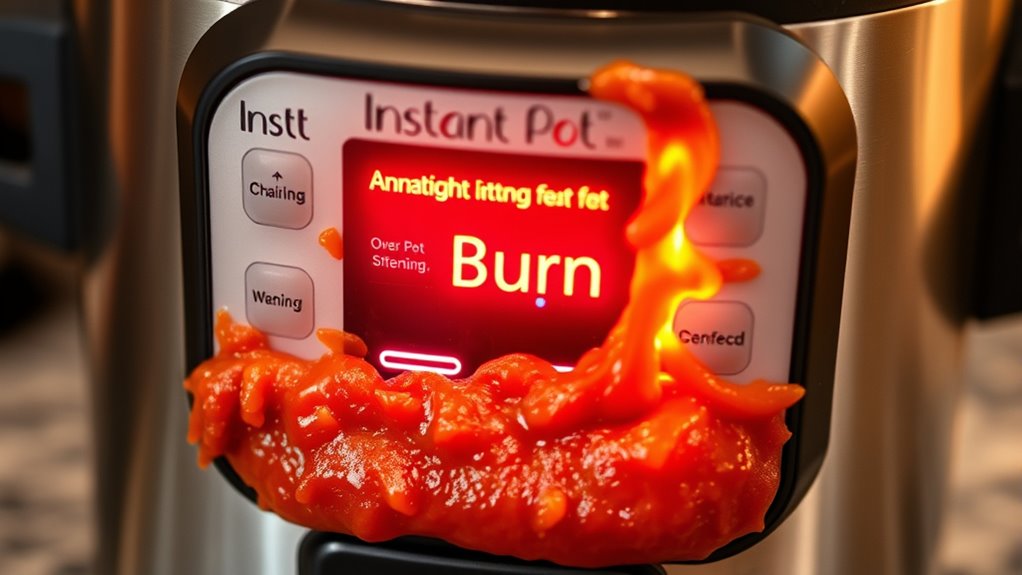
Thick sauces and pastes can considerably impact how your Instant Pot cooks and can sometimes trigger the “burn” warning. These dense ingredients tend to stick to the bottom, preventing proper heat transfer and causing hotspots. To prevent this, consider ingredient layering: place liquids at the bottom first, then add thick sauces or pastes on top. This helps create a barrier, reducing direct contact with the heating element.
| Tip | Explanation |
|---|---|
| Use more liquid | Dilutes thick sauces, reducing sticking |
| Layer ingredients | Keeps thick sauces away from the bottom |
| Stir during cooking | Prevents settling and burning |
| Avoid thick sauces first | Adds complexity to heat distribution |
| Use natural release | Allows heat to dissipate evenly |
Tips for Preventing the “Burn” Error in Future Cooking

To prevent the “burn” error in future cooking, focus on proper ingredient placement and managing heat levels. Use cleaning techniques to make certain the bottom of your pot is free of residue, which can cause uneven heating. When cooking thick sauces or pastes, consider ingredient substitutions like broth or water to thin them out. Properly distributing ingredients prevents them from sticking or burning. Always deglaze the pot after sautéing to loosen browned bits. Additionally, layer ingredients with liquids on the bottom to create a barrier. Avoid overfilling the Instant Pot, as this increases the risk of burning. Regularly cleaning your lid and sealing ring also helps maintain peak performance and prevents residue buildup that could trigger the “burn” warning.
Frequently Asked Questions
Can the “Burn” Warning Happen Without Food Sticking to the Bottom?
Yes, the “burn” warning can happen without food sticking to the bottom. It often occurs if your food’s texture is too thick or if cooking times are too long, causing the pot to overheat. Even when food isn’t sticking, these factors can trigger the warning. To avoid this, stir ingredients regularly, add enough liquid, and monitor cooking times closely to prevent overheating and the “burn” message.
Does Using Frozen Ingredients Increase the Chance of a “Burn” Message?
Using frozen ingredients dramatically increases your chances of a “burn” message on your Instant Pot. When you start cooking with frozen foods, the sudden cold can cause uneven heating, sticking, and even burning, risking your cooking safety. It’s like trying to fry ice—your pot struggles to reach proper temperatures, leading to errors. Always thaw or at least partially defrost ingredients first to prevent this, ensuring safe, successful cooking every time.
How Does Altitude Affect the “Burn” Warning on My Instant Pot?
Altitude affects your Instant Pot’s “burn” warning because higher elevations cause pressure variation, making it harder to reach the set pressure. You should perform an altitude adjustment by increasing cooking time or adjusting pressure settings accordingly. This helps prevent the “burn” message, ensuring your food cooks properly. Always check your Instant Pot’s manual for specific altitude adjustment instructions to avoid pressure-related errors during cooking at higher elevations.
Can Cleaning Residue Cause False “Burn” Alerts?
Residue buildup from leftover food or cleaning solutions can cause false “burn” alerts on your Instant Pot. When cleaning, make certain you thoroughly rinse away all cleaning solutions and remove any residue buildup inside the pot. If residue remains, it may trigger the sensor to detect overheating or burning. Regularly clean the inner pot and sealing ring, and avoid using harsh cleaning chemicals to prevent false “burn” warnings.
Is It Normal for the “Burn” Message to Appear During Specific Cooking Modes?
Yes, it’s normal for the “burn” message to appear during certain cooking modes, especially high-pressure or sauté functions. As part of tech troubleshooting, your Instant Pot detects temperature spikes or insufficient liquid, triggering the alert. This can impact your user experience if you’re unaware, so always make certain proper liquid levels and follow recipe instructions closely. Recognizing these signals helps maintain safe, effective cooking and prevents unnecessary interruptions.
Conclusion
When your Instant Pot shows “burn,” it’s like hitting a pothole on a smooth road—frustrating but fixable. Once I learned to keep enough liquid and avoid thick sauces, my meals became stress-free. Remember, every “burn” warning is a sign to check your ingredients and sealing. Think of it as your kitchen’s way of telling you to slow down and tune in—making every dish a success, one step at a time.