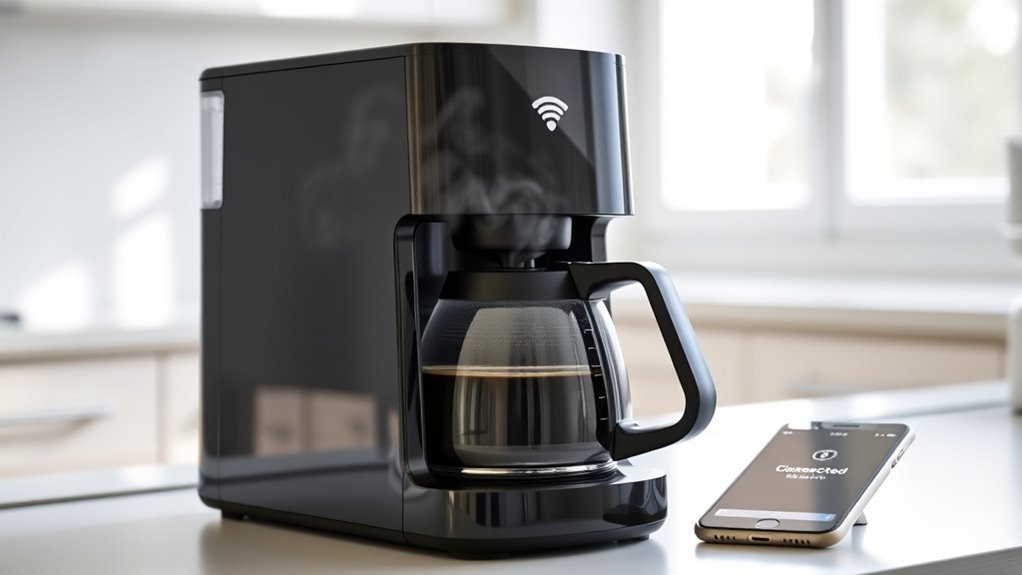

If your Wi-Fi coffee maker loses connection, your brew usually won’t fail. Most models have manual controls that let you operate the device directly on the machine, so you can still enjoy your coffee without internet. However, features like remote control, scheduling, or updates may be unavailable during connectivity issues. Want to discover how to keep brewing smoothly even when offline? Keep going for helpful tips and tricks.

Get kitchen gear delivered free — and shop member deals
- Fast, free delivery on millions of items
- Access to Prime Big Deal Days deals on October 6–7
- Prime Video, Amazon Music and more included
Key Takeaways
- Many Wi-Fi coffee makers have manual controls that allow brewing without internet access.
- Offline operation ensures your coffee routine continues despite connectivity issues.
- Firmware updates can improve device stability and reduce connection drops.
- Troubleshooting steps like restarting your router can help restore connectivity quickly.
- Consult your device manual to understand its specific offline capabilities and limitations.

Connecting your coffee maker to Wi-Fi can transform your morning routine by allowing you to brew your favorite coffee remotely or schedule brewing times with ease. In a smart kitchen, this connectivity makes mornings smoother and more personalized, giving you control at your fingertips. But what happens if your Wi-Fi connection drops or encounters connectivity issues? Do you risk waking up to an empty mug or a delayed start? Not necessarily. Understanding how your Wi-Fi coffee maker handles connection problems can help you avoid surprises and keep your mornings running smoothly.
Most Wi-Fi-enabled coffee makers are designed with some redundancy, allowing you to operate them manually if the connection is lost. Typically, these devices have a local control panel, so if your Wi-Fi goes down, you can still brew coffee using the buttons on the machine. However, you lose the convenience of remote control and scheduling until your connection is restored. If connectivity issues persist, your smart kitchen setup might feel less seamless, but it shouldn’t entirely disrupt your routine. Many manufacturers recommend keeping the firmware updated, as updates often improve connectivity stability and fix bugs that could cause connection drops. Firmware updates are essential in maintaining reliable Wi-Fi connections for smart devices.
Most Wi-Fi coffee makers have manual controls to operate without internet connection.
When your Wi-Fi connection falters, it’s essential to troubleshoot quickly. Check if your router is functioning correctly, as a weak or unstable Wi-Fi signal can impact your coffee maker’s connectivity. Moving your router closer or removing interference objects can improve signal strength. Restarting your router and reconnecting your device can also resolve temporary glitches. If you notice consistent connectivity issues, it might be worth reviewing your network’s bandwidth or considering a mesh Wi-Fi system to ensure a more stable connection across your smart kitchen devices.
It’s also helpful to understand how your coffee maker handles connectivity issues. Some models are equipped with local control modes that bypass Wi-Fi entirely, allowing you to brew without internet access. Others might have a delay or error message indicating they’re offline, but they should still operate manually. Always consult your device’s manual to know its specific capabilities in offline scenarios. This way, you’re prepared for unexpected outages and won’t be caught off guard when your Wi-Fi isn’t available.
In a smart kitchen, connectivity issues are common but manageable. By keeping your firmware updated, troubleshooting your network, and understanding your device’s offline capabilities, you can minimize disruptions. Remember, a momentary loss of Wi-Fi doesn’t mean your morning coffee is doomed. With a little prep, you can ensure your coffee maker continues to serve you, no matter what connectivity hiccups come your way.
manual control Wi-Fi coffee maker
As an affiliate, we earn on qualifying purchases.
As an affiliate, we earn on qualifying purchases.
Frequently Asked Questions
Can I Use My Wi-Fi Coffee Maker Offline?
You can usually use your Wi-Fi coffee maker offline for basic brewing functions, but smart home integration and mobile app control won’t work without an internet connection. If you want to start brewing remotely or adjust settings through the app, you’ll need Wi-Fi. Without it, you can still enjoy your coffee manually, but you lose the convenience of remote control and smart features.
Does Losing Wi-Fi Affect Brewing Speed?
Losing Wi-Fi might feel like the end of the world, but it won’t turn your morning into a disaster. Your coffee maker’s brewing speed won’t suddenly slow down because of an internet outage or weak signal strength. It will still operate just as fast, since the actual brewing process doesn’t rely on Wi-Fi. So, you can enjoy your coffee without worrying about the internet—your brew’s still coming, just as reliable as ever!
Will My Coffee Maker Store Wi-Fi Credentials Securely?
Your Wi-Fi coffee maker typically stores Wi-Fi credentials securely using built-in encryption measures. It’s designed to protect your Wi-Fi security by encrypting credential storage, preventing unauthorized access. When setting up, make certain you follow manufacturer guidelines for secure connections. Regular firmware updates also help maintain security. Rest assured, your credentials are stored safely, so your brewing experience remains smooth and secure, even if you temporarily lose Wi-Fi connection.
How Do I Reconnect My Wi-Fi Coffee Maker?
In the spirit of a Renaissance scholar, you can reconnect your Wi-Fi coffee maker by first ensuring it’s powered on. Use your smartphone to access the app, perform network troubleshooting if needed, and re-enter your Wi-Fi credentials. If issues persist, try reinstalling the app to refresh the connection setup. This straightforward process restores your brew, ensuring your morning remains both vibrant and caffeinated.
Are Firmware Updates Affected by Wi-Fi Connectivity?
Firmware updates rely on Wi-Fi connectivity, so if your connection drops, updates might be delayed or incomplete. This can affect firmware stability, leading to potential bugs or security issues. To maintain peak performance, make sure your Wi-Fi signal is strong and check for updates regularly, as update frequency depends on the manufacturer’s schedule. Keeping your coffee maker connected guarantees you get the latest features and fixes, ensuring smooth brewing every time.
smart coffee maker with offline mode
As an affiliate, we earn on qualifying purchases.
As an affiliate, we earn on qualifying purchases.
Conclusion
Even if your Wi-Fi coffee maker loses connection, your brew won’t fail entirely. The machine often has manual controls or a backup mode, so you can still enjoy your coffee without relying on the internet. Don’t worry—your morning routine isn’t doomed just because of a temporary glitch. As long as you keep the basic settings handy, you’ll still wake up to a freshly brewed cup. Connection issues won’t ruin your coffee experience.
Wi-Fi coffee maker troubleshooting
As an affiliate, we earn on qualifying purchases.
As an affiliate, we earn on qualifying purchases.
best mesh Wi-Fi system for smart kitchen
As an affiliate, we earn on qualifying purchases.
As an affiliate, we earn on qualifying purchases.
Halloween Picks
halloween
As an affiliate, we earn on qualifying purchases.