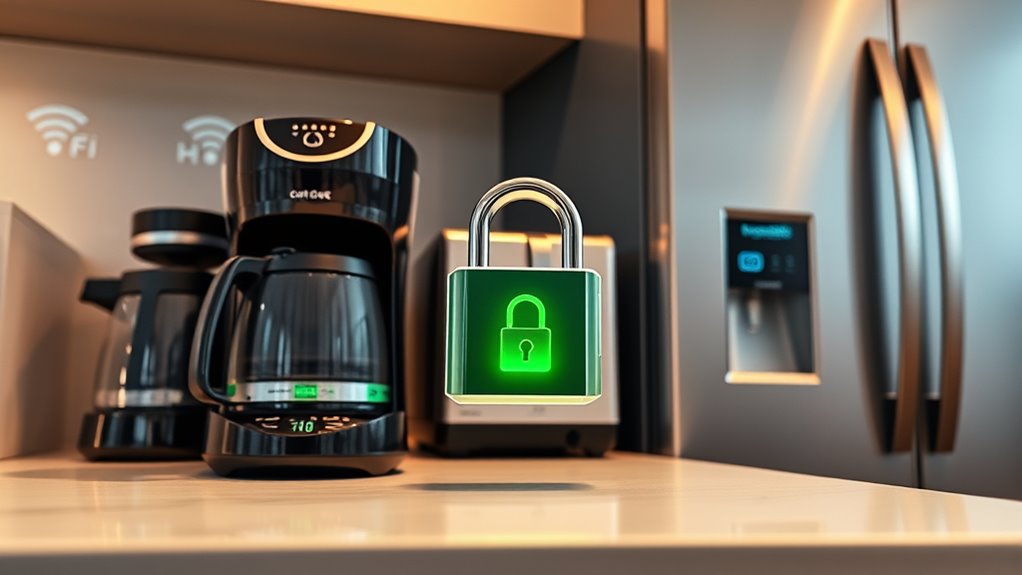

To protect your smart kitchen gadgets from hackers, change default passwords to strong, unique ones and enable two-factor authentication if available. Keep your Wi-Fi secured with WPA3 encryption and consider network segmentation to isolate your appliances. Regularly update device firmware from official sources and review privacy settings to limit voice data sharing. Staying vigilant about security patches and manufacturer advice helps safeguard your devices. Continue exploring ways to boost your smart kitchen’s security and keep your home safe.
Key Takeaways
- Regularly update firmware from official sources to patch vulnerabilities and prevent malicious firmware installation.
- Change default passwords and enable two-factor authentication on all smart kitchen appliances.
- Disable voice controls when not in use and review privacy settings to limit data sharing.
- Secure your Wi-Fi network with strong passwords and WPA3 encryption to prevent unauthorized access.
- Segment your home network to isolate smart appliances from other devices for enhanced security.
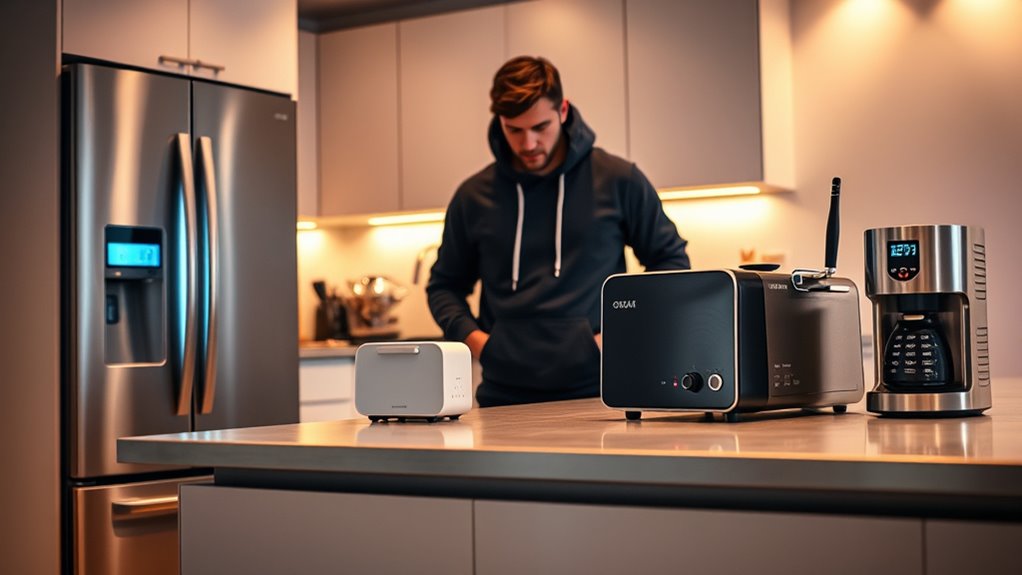
In today’s connected world, your kitchen gadgets are more than just appliances; they’re potential entry points for cyber threats. Smart devices like voice assistants, smart refrigerators, and connected ovens are designed to make your life easier, but they also open doors for hackers if you’re not careful. One common vulnerability is voice command vulnerabilities. Hackers can exploit these by eavesdropping or injecting malicious commands, especially if your device’s voice recognition isn’t secured properly. If someone manages to mimic your voice or intercept commands, they could manipulate your devices—disabling security features, changing settings, or even gaining access to your home network. To reduce this risk, it’s essential to disable voice controls when not in use or set up voice recognition that’s more difficult to spoof. Always review your device’s privacy settings and limit what voice data is stored or shared.
Disable voice controls when not in use and review privacy settings to prevent hacking of your smart kitchen devices.
Another significant risk comes from firmware update risks. Many smart kitchen gadgets rely on firmware updates to patch vulnerabilities and improve functionality. But if you’re not cautious, updating firmware can backfire. Hackers sometimes distribute malicious firmware that looks legitimate, tricking you into installing malware onto your device. Once compromised, the hacker could access personal information, control your appliances remotely, or even pivot to other devices on your network. To protect yourself, only download updates from official sources, and verify the authenticity of firmware files before installation. Regularly check for updates and avoid rushing through the process, as hurried updates can lead to mistakes or overlooked security flaws. European cloud servers are especially relevant here, as they offer secure infrastructure for storing and verifying firmware updates.
Beyond voice command vulnerabilities and firmware update risks, it’s smart to take other precautions. Change default passwords on all your devices—default passwords are often easy for hackers to guess. Use strong, unique passwords for each device, and consider setting up two-factor authentication if available. Keep your Wi-Fi network secure with a strong password and WPA3 encryption. Segment your network so your smart gadgets are on a separate network from your computers and smartphones, reducing the chance of a hacker moving laterally if one device gets compromised. Also, stay informed about security patches and updates from manufacturers, and don’t ignore their recommendations.
Being proactive about your smart kitchen’s security can save you from headaches and potential breaches. Recognize that these gadgets are connected to your home’s ecosystem, so securing them isn’t just about privacy—it’s about safety. Regularly review your device settings, stay vigilant about firmware updates, and be cautious with voice commands. By doing so, you ensure your smart kitchen remains a helpful tool rather than a vulnerability waiting to be exploited.
As an affiliate, we earn on qualifying purchases.
Frequently Asked Questions
How Often Should I Update My Smart Appliance Firmware?
You should update your smart appliance firmware as often as recommended by the manufacturer, typically every few months. Keeping up with the firmware update frequency guarantees your devices receive important security patches. Check the security patch schedule regularly and enable automatic updates if available. This proactive approach helps protect your appliances from vulnerabilities, reducing the risk of hacking and keeping your smart kitchen safe and secure.
Can I Password-Protect My Smart Kitchen Devices?
Yes, you can password-protect your smart kitchen devices by enabling device encryption and user authentication features. Set strong, unique passwords for each device and guarantee they support multi-factor authentication if available. Regularly update firmware to enhance security. These steps help prevent unauthorized access, keeping your appliances safe from hackers and ensuring your smart kitchen remains secure and private.
Are There Specific Brands With Better Security Features?
Some brands stand out for better security features, with 85% of consumers citing brand reputation as key. Look for brands with strong security certifications like ISO 27001 or FCC approval, which guarantee rigorous protection measures. These brands often invest in regular updates, secure login options, and encryption, making them safer choices. Prioritize devices from reputable brands known for their commitment to security to better protect your smart kitchen appliances.
What Should I Do if My Device Is Hacked?
If your device is hacked, act quickly to secure it. Disconnect the device from the internet to prevent further hacker access. Perform device recovery by resetting it to factory settings and updating its firmware. Change your passwords and enable two-factor authentication where possible. To prevent future threats, regularly monitor your device for suspicious activity and implement hacker prevention strategies like strong, unique passwords and network security measures.
Do Smart Appliances Pose a Risk to My Home Wi-Fi Network?
Think of your smart appliances as tiny, friendly neighbors on your Wi-Fi street—they can sometimes cause wireless interference, slowing down your connection. While most smart devices are designed with security, incompatible or poorly secured devices might pose risks. You can protect your network by updating firmware, using strong passwords, and ensuring device compatibility. Doing this keeps your home Wi-Fi safe, just like neighbors respecting each other’s space and security.
As an affiliate, we earn on qualifying purchases.
Conclusion
Just as Pandora’s box unleashed unforeseen chaos, neglecting your smart appliances can open the door to hackers. By taking simple steps—changing default passwords, keeping firmware updated, and securing your Wi-Fi—you guard your kitchen’s digital heart. Stay vigilant, and don’t let your smart gadgets become Pandora’s box. With careful security, you can enjoy the convenience without inviting trouble, keeping your home safe and your digital world under your control.
smart appliance firmware update protection
As an affiliate, we earn on qualifying purchases.
As an affiliate, we earn on qualifying purchases.
two-factor authentication smart devices
As an affiliate, we earn on qualifying purchases.
As an affiliate, we earn on qualifying purchases.