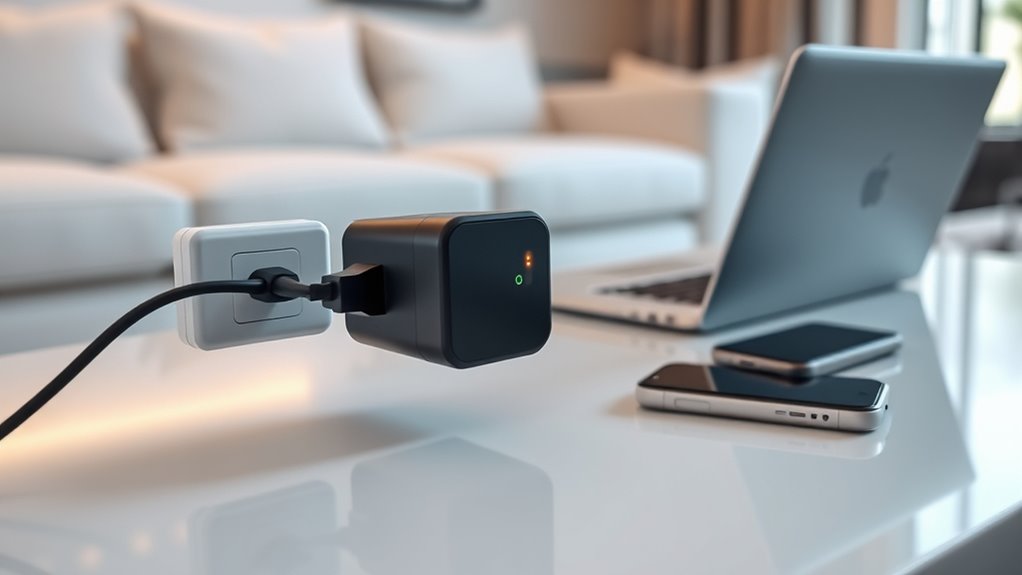

Yes, smart plugs do draw power even when your gadgets are off because their internal circuits stay active to maintain Wi-Fi connections and respond to commands. This standby power can add up over time, especially if you leave devices plugged in constantly. To save energy and reduce costs, consider unplugging your smart plugs when you won’t use the devices for a while, especially during vacations or extended absences. If you want to learn more about managing standby power, keep exploring these tips.

Get kitchen gear delivered free — and shop member deals
- Fast, free delivery on millions of items
- Access to Prime Big Deal Days deals on October 6–7
- Prime Video, Amazon Music and more included
Key Takeaways
- Smart plugs often draw standby power, even when connected devices are turned off.
- Unplug smart plugs during extended absences or when devices are not in use for a long time.
- Devices with energy monitoring features can help identify high standby power consumption.
- Regular unplugging of seldom-used devices reduces unnecessary phantom energy drain.
- Choosing energy-efficient smart plugs and turning them off minimizes wasted standby power.
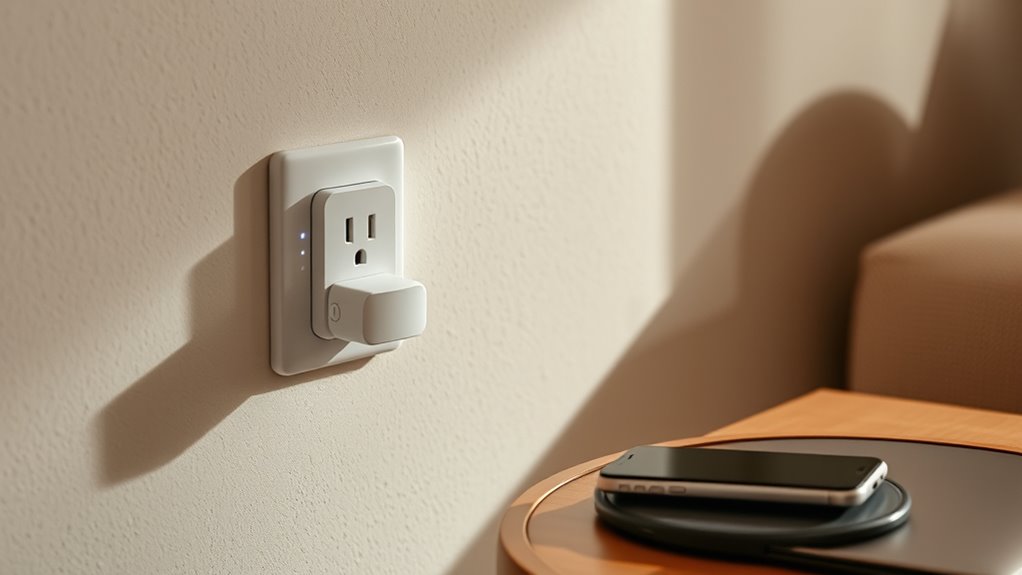
Smart plugs are convenient devices that let you control your appliances remotely, but knowing when to unplug them is just as important. Many people don’t realize that even when your gadgets appear to be off, your smart plug might still be drawing power. This phenomenon is known as phantom energy, or standby power, and it can add up over time, wasting electricity and increasing your energy bills. The good news is that being mindful of when to unplug your smart plug can help you save money and reduce your environmental footprint.
Phantom energy occurs when devices continue to draw power even when they aren’t actively in use. With smart plugs, this standby power often results from the device’s internal circuitry remaining active, waiting for commands or to maintain a connection to your Wi-Fi network. While this might seem harmless, it’s a sneaky source of energy drain. For example, if you have a smart plug controlling a lamp or a charger, it could still be consuming watts of power 24/7, even if the appliance is turned off from your smartphone or voice assistant.
Knowing when to unplug your smart plug depends on your usage habits. If you’re not planning to use an device for an extended period—say, on vacation or during a work trip—you should consider unplugging it. This simple step ensures that no standby power is being wasted. Additionally, for devices that don’t need to be on all the time, such as a coffee maker or space heater, unplugging them when not in use prevents phantom energy from draining your electricity unnecessarily. Some smart plugs come with energy monitoring features, so you can track how much power they consume when idle. Use this data to decide whether it’s worth keeping them plugged in or better to unplug.
While some smart plugs are designed to minimize standby power, no device is entirely free of phantom energy. Hence, it’s wise to develop habits like unplugging rarely used devices or turning off smart plugs entirely when they’re not needed. This approach not only saves money but also extends the lifespan of your appliances and reduces your carbon footprint. Remember, small actions like unplugging when not in use make a significant difference over time. By staying aware of standby power and phantom energy, you can optimize your energy consumption without sacrificing convenience. Additionally, choosing energy-efficient devices can further reduce standby power consumption, helping you make more sustainable choices. Ultimately, understanding when to unplug your smart plugs helps you manage your energy more efficiently while still enjoying the benefits of smart home technology.
As an affiliate, we earn on qualifying purchases.
Frequently Asked Questions
Do All Smart Plugs Consume Power When Turned Off?
Not all smart plugs consume power when turned off, but many do due to their standby mode, affecting energy efficiency. These plugs often use a small amount of power to stay connected and ready to respond to commands. To save on unnecessary power consumption, choose smart plugs with low standby power and unplug devices when not in use. This helps improve overall energy efficiency and reduces your electricity bills.
Can Smart Plugs Cause Energy Spikes or Surges?
Smart plugs can cause energy spikes or surges if they malfunction or aren’t compatible with your devices. You might notice sudden power increases, especially if your smart plug isn’t designed for high energy consumption or isn’t compatible with your device’s power needs. To prevent this, choose smart plugs with good energy management features, and always check device compatibility before installation. Regularly monitor your energy consumption to avoid unexpected surges.
Are There Safety Concerns With Leaving Smart Plugs Plugged In?
Leaving smart plugs plugged in generally isn’t dangerous, but safety hazards and fire risks can still exist. If the smart plug or connected device becomes faulty, overheating or electrical malfunctions might occur. To minimize risks, verify your smart plugs are certified, avoid overloading outlets, and regularly inspect for signs of damage. Unplugging smart plugs when not in use adds an extra layer of safety and reduces potential fire hazards.
How Much Energy Do Smart Plugs Typically Use in Standby?
Smart plugs typically use a small amount of standby power, often less than 1 watt, which is an energy consumption myth. Standby power factors are usually minimal, but they can add up over time. While the energy use isn’t significant, unplugging smart plugs when not in use can save even this tiny amount. So, if you’re aiming to reduce energy waste, it’s smart to unplug devices that don’t need to stay powered.
Do Smart Plugs Have a Sleep Mode to Reduce Power Draw?
Think of your smart plug as a diligent guard, sometimes needing a break. While most don’t have a dedicated sleep mode, some models offer energy-saving features that reduce power draw when devices are off. These sleep modes help conserve energy, making your smart plug more efficient. To maximize savings, check your smart plug’s settings or choose models with built-in energy-saving modes, ensuring you get the most out of your device’s potential.
smart plug with standby power control
As an affiliate, we earn on qualifying purchases.
As an affiliate, we earn on qualifying purchases.
Conclusion
So, next time you’re wondering if your smart plug is quietly draining power, ask yourself: are those tiny energy leaks worth the extra bill? Unplugging gadgets when they’re not in use not only saves money but also reduces unnecessary energy waste. Imagine your home as a well-oiled machine, running smoothly without hidden leaks. By staying mindful about unplugging, you take a simple step toward a greener, more efficient lifestyle. Isn’t it time to take control of your energy use?
As an affiliate, we earn on qualifying purchases.
As an affiliate, we earn on qualifying purchases.
Fall Picks
fall essentials
As an affiliate, we earn on qualifying purchases.